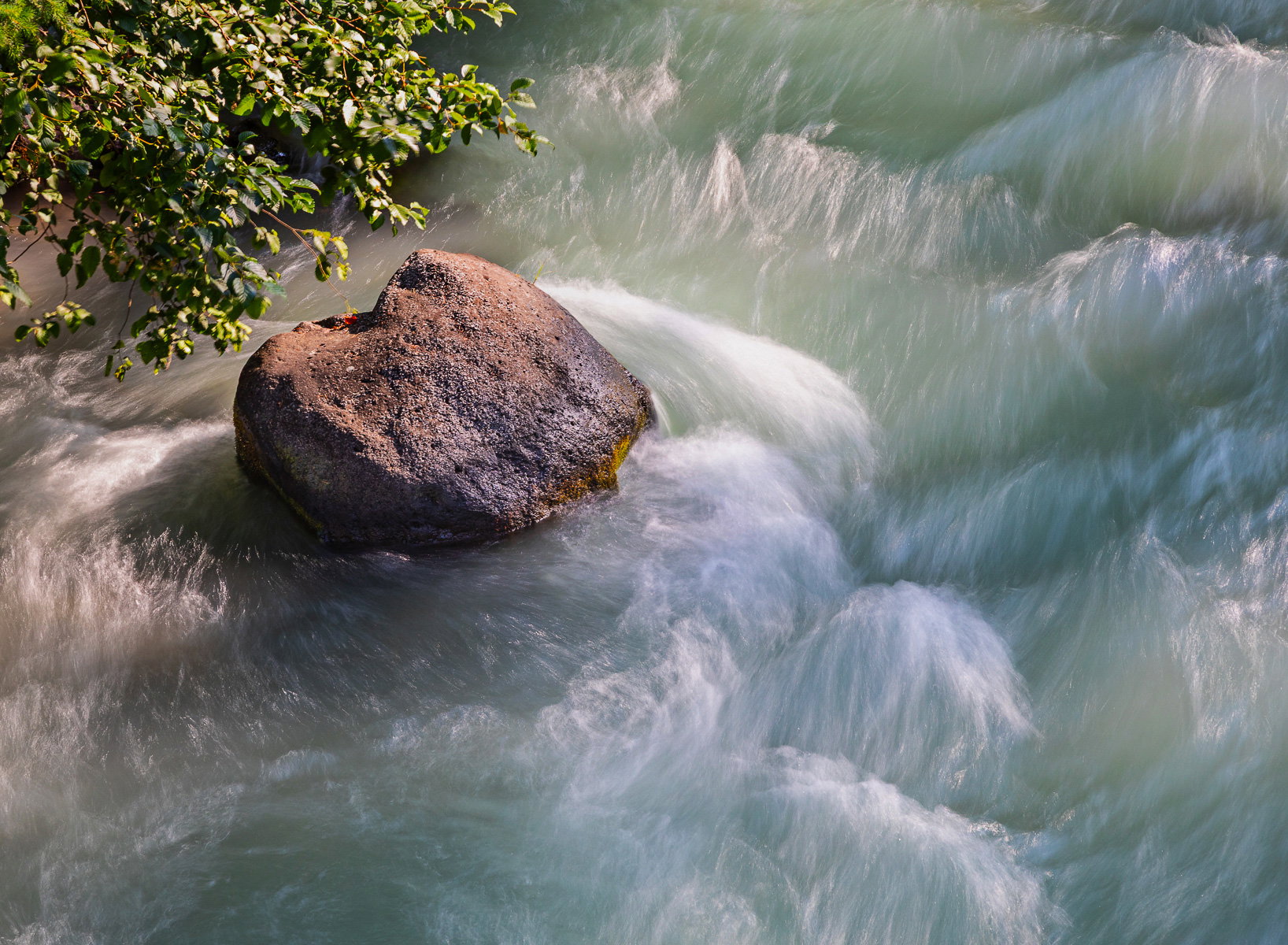
Another Lon(g) Shot Along N. Santiam River (+revised)

Revised Version

Revision 2 (latest)
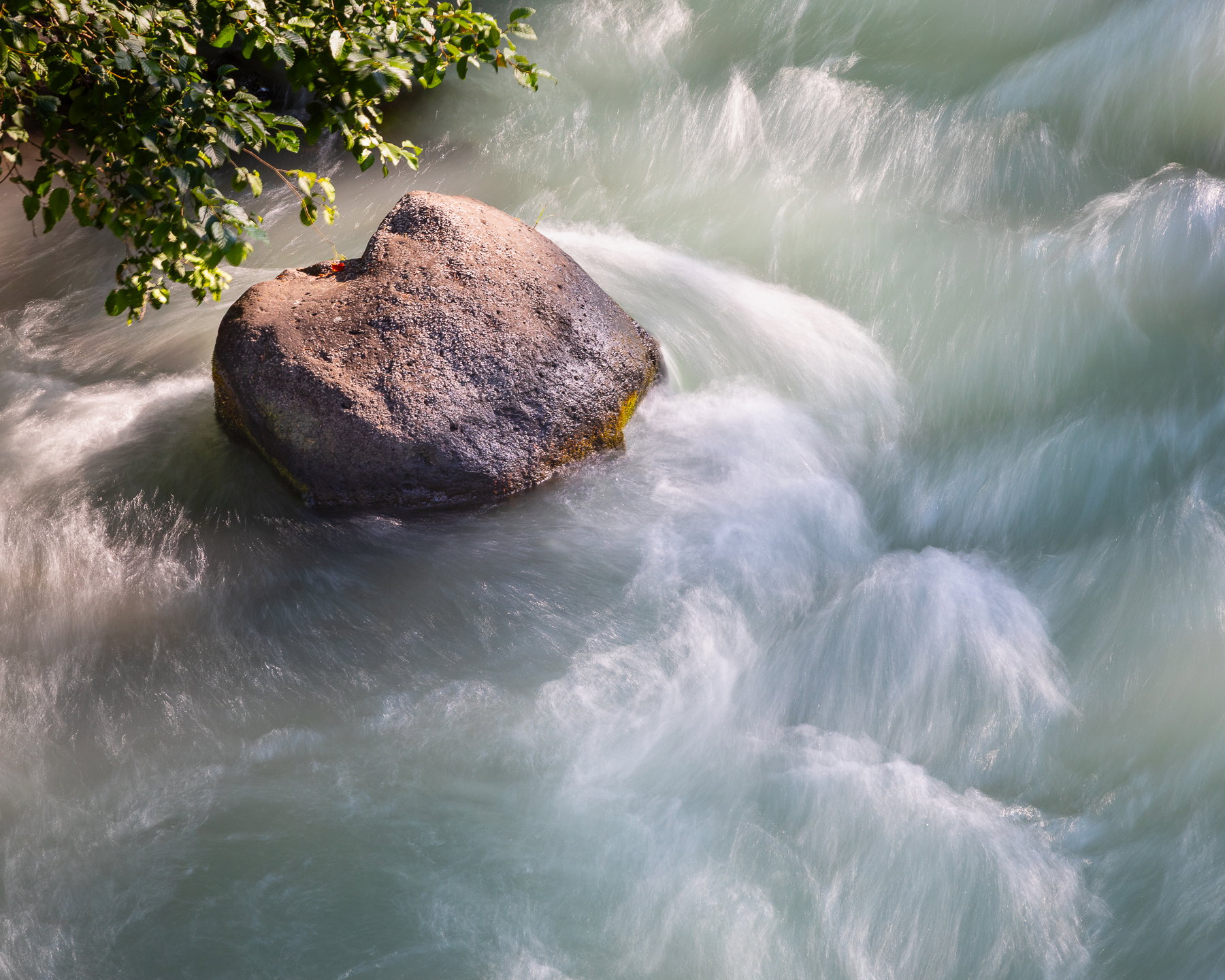
What changed: I used the brush tool to tame those highlights in the water a bit more. I also tried the reflection tool, but it didn’t seem to do much with the water, just the rock. I might add it above for comparison.

Revision 1
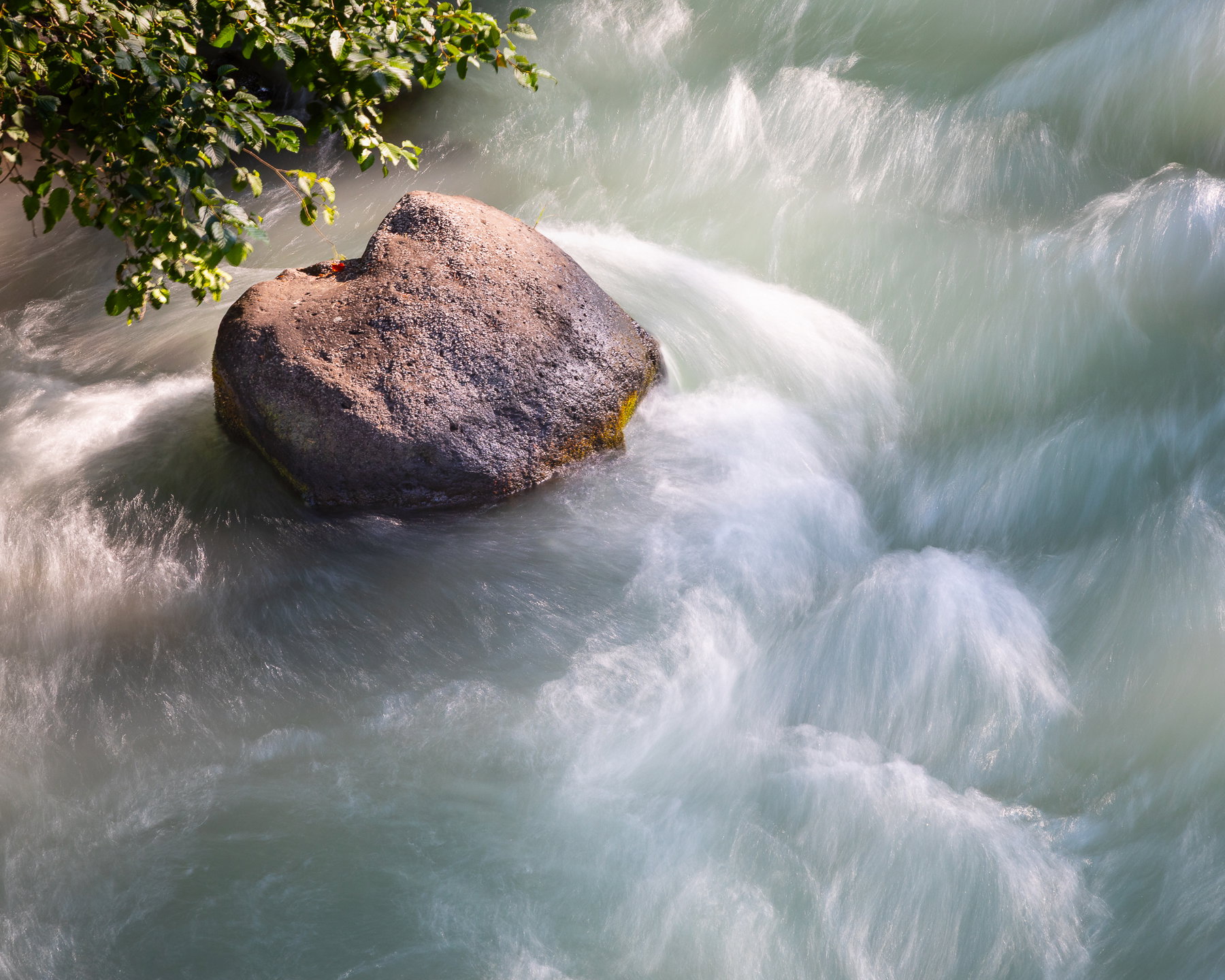
Added after receiving feedback from the community.


Original Version
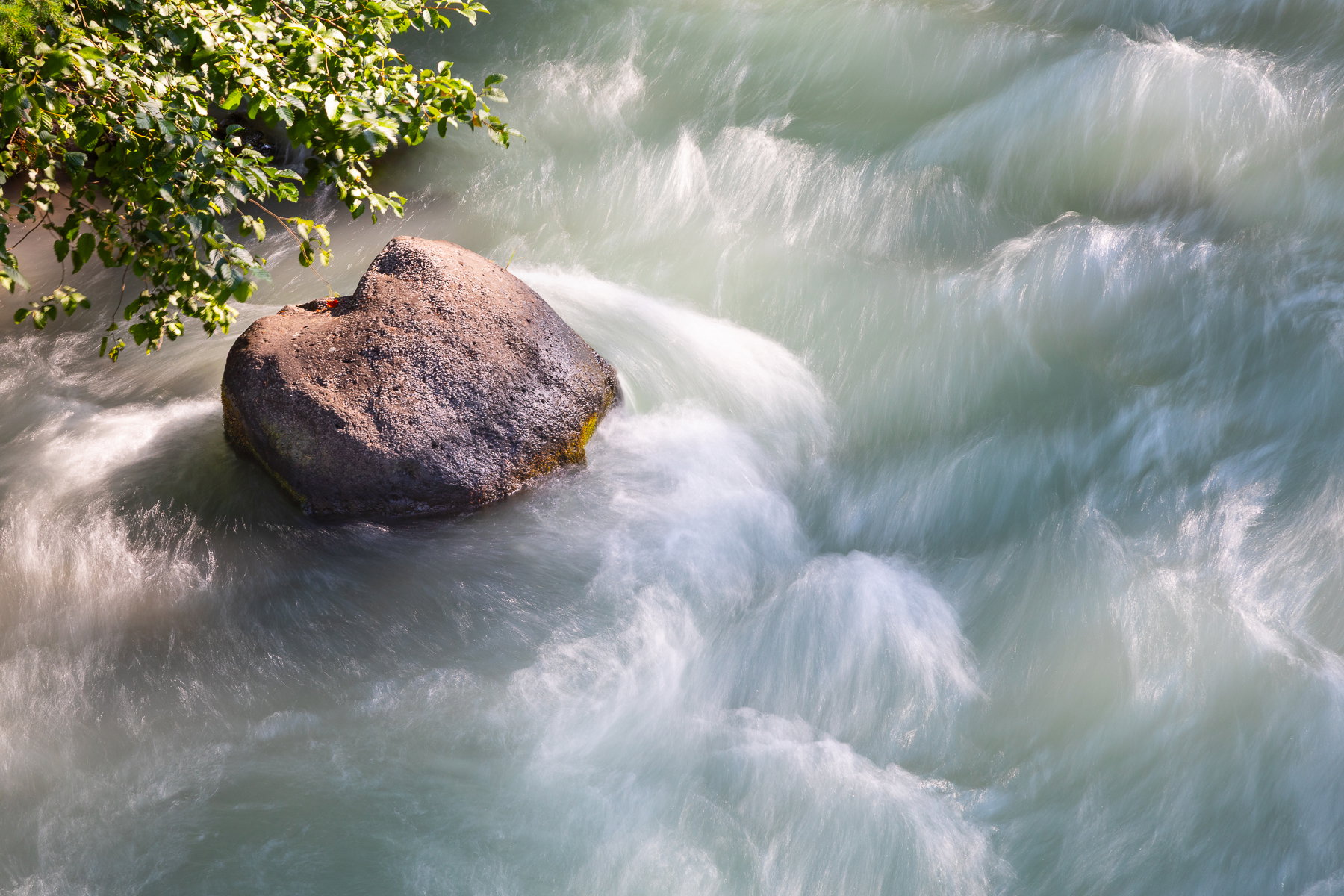
Critique Style: Standard

The photographer is looking for thoughtful feedback on the image as a whole, especially around the areas noted below.

Feedback Focus: Artistic / Expressive

About This Image

I have always loved the way the rocks in the N. Santiam River have grass growing on or near them, and I bypassed better, filtered afternoon light on the way to Clear Lake and settled for this scene on the way home several days later. The light is a bit harsh, and I was shooting from a bridge, so I think the composition and conditions were not in my favor.

This rock has no grass, but it was an opportunity to practice so I’m ready on a better specimenlater.

Feedback Requested

For the most part, I’m wondering whether this works at all or whether the downward angle and the light just make it a bit snap-shotty. I was going for something a bit more Lon Overacker-esque (hence my title, once again). This is not the kind of subject I have much experience with, but I wanted to play with it.

I’ll go back and shoot on a cloudier day or different time, and I did find a nearby campground I can use to get to a better sampling of the grass/rock/river composition I see in my head as a whiz by at 55 mph in a 24 foot van that is not easy to park just anywhere.

Technical Details

Canon 5DIV with with 24-105mm at 105mm
ISO 200, f/13, 0.6sec
Minimal processing and cropping
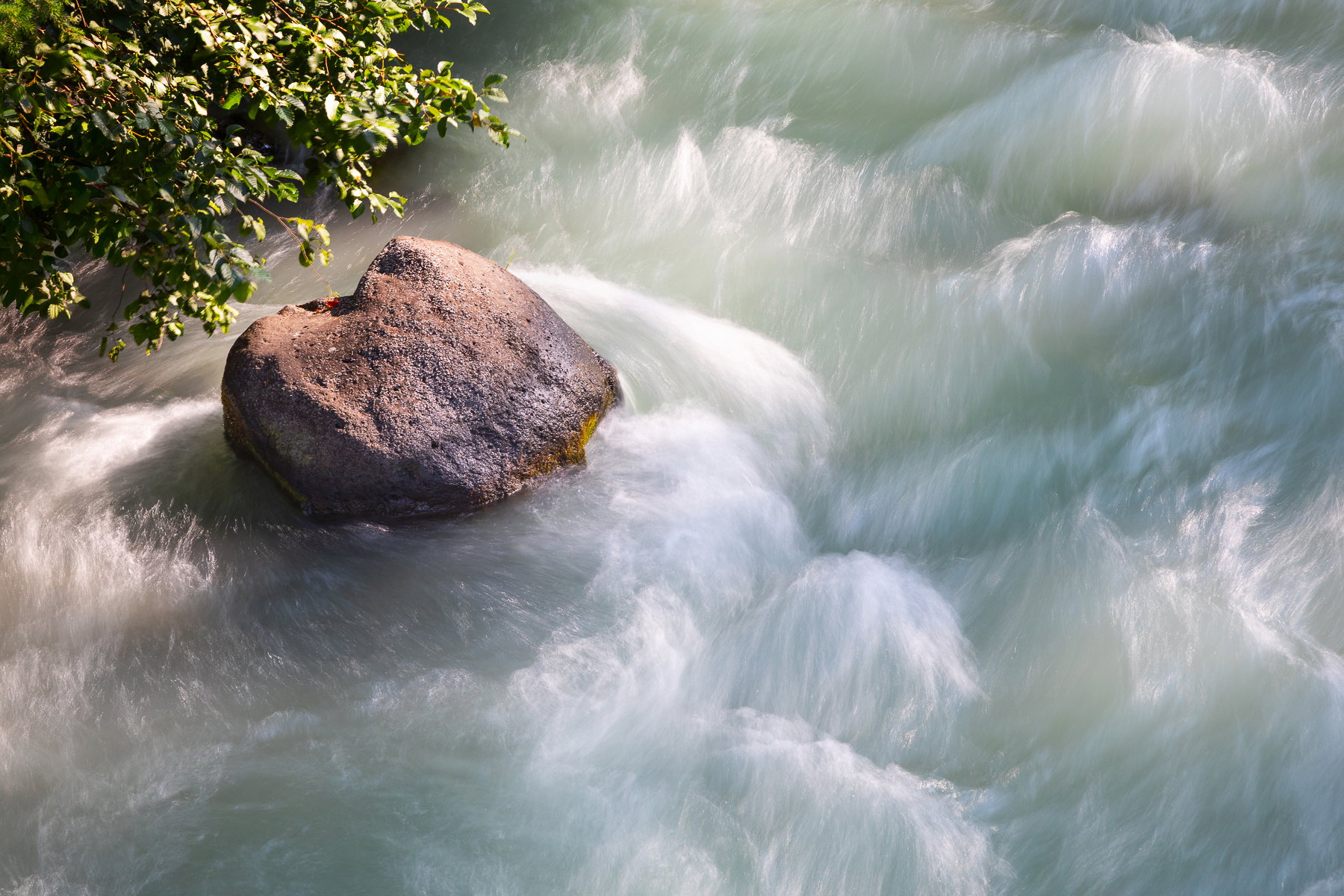
For me, this is simple and beautiful. The colours of the swirling water round the stone. the energy contrasted by the longer exposure slowing the water.

Love the composition

I think the Upper left corner needs some work, a bit of burning of the brightness that pulls the eye from the rock and water.

It’s the water, for me , is the star of the show with the contrast of the calm of the upper left corner

Brightened some of the lighter areas on the water, darkened the upper left corner and cloned in some leaves where they were sparse.

Please ignore if these suggestions don’t fit your plan.

Regards

Huw

Hi Marylynne, I really enjoy your picture! All of the different swirls in the water are really interesting so many different patterns to look at!

I like this cause it’s different. Shots such as this are usually taken in overcast light, but I quite like the effect the sunshine has had on the water color and textures. Composition seems a little weird with everything stuffed in the ULC, but the star is the water. I might try to burn in some of the highlighted leaves.

Yeah, I was hoping for filtered light. I’m camping near there in a few weeks. Wish me luck,

I’m wondering if a square crop might work, make for better balance and weight.
ML

The original poster added a revised version of their image.

1 Like

Love the revision. It’s a lovely and unusual photograph- simple and beautiful.

The original poster added a revised version of their image.

Thanks, @Huw_Thomas. I did a replaced revision: Burned the bush, added a slight vignette, and removed a few leaves.

Marylynne,

First of all, I’m very humbled by the reference, and so thank you.

I’m really enjoying the vantage point here. I’m quite certain I would have been working this little scene too!

I agree with the other comments that the water is beautiful and the star of the show. The soft greens in the water are lovely and I also agree you did well to capture this under direct light; there would be a whole different look and feel in diffused light.

I also agree about the leaves in the upper left. I’m wishing they weren’t there at all, but the good news is - and this follows one of my axioms… if you’re going to include something, include it on purpose! Now I realize you really didn’t have a choice in the matter - I wasn’t there, but I’m pretty sure there was no way to just isolate that boulder in the water. So you did well to include and compose this how you did.

I’m mixed about cropping. I get it and I do like the crop, but there is such nice texture and color throughout the water that I find it hard to remove any of it. Best case, wouldn’t want to cut in to the two waves in the LR quadrant, which you didn’t in the revised.

Ok, I went ahead and downloaded. The one thing nagging at me was the white water and in a few places looks a little hot/washed out. Again, one of the big challenges shooting white water in sunlight!

I’m sorry, but I don’t remember off hand the processing software/tools you use (I could go back in some posts, but I’m too lazy.) Anyway, the big thing I did was utilize one of Tony Kuyper’s original luminosity tools called the “Lights Triple Play.” If you have TK’s modules, it may be possible to go back and acquire them. anyway, it’s a tool that one is able to target highlights in an image, reduce them, but at the same time make them appear to have more detail. Anyway, I used that, along with some burning and reducing the highlights in general in ACR. I also burned the rock and leaves. I took liberty and boosted the vibrance by just a few points. I didn’t resolve a few of the hot spots completely, but I think the overall brightness in the stream is reduced, yet hopefully it still has a “sunny day” look and appeal to it.

Thanks again for the nod ML. Here’s my rendition:

Processing example based on Revision 1:

Hi Lon,
Thanks for taking a look. I like what you did here. I pretty much only use LR unless I am doing black and white, in which case, I take it into Silver Efex about 1/2 of the time. I will look into Tony Kuyper’s tools. Not sure whether they are LR plugins or not. For me, going into multiple processing apps is a bit tedious, and I abandoned focus stacking years ago because of that. Still something quick, with a particular action for a particular problem, is something I’m always looking for. Also, just remembering that the 5DIV’s shadows are really recoverable is a good thing. I should have underexposed a bit here to get keep those highlights in check.
ML

Thanks for filling me in. No worries. I’m the same way in that I don’t want to have to use multiple tools (although I do… ha ha), but I’m the opposite in that I only use PS and ACR (of course ACR is the same processing engine as LR). I’ve never opened LR. But for you and those you don’t use PS, it doesn’t makes sense to even consider or look at TK’s plugins/panels. They’re purely for PS, so they wouldn’t help - PLUS, PS and TK’s stuff have steep learning curves.

Stick with what you’re comfortable with. But if you’re ever interested, there are plenty of folks here who use LR to initially process their images, but also will take in to PS for fine tuning. But as you say, it’s just another app and screen to go in and out of.

1 Like

Hi @Marylynne_Diggs and @Lon_Overacker

There are so many workflows that work, and I use several different ones depending on what the image needs. I know many say LR doesn’t do layers in the PS sense - but if you use the masks sequentially (Ie a number of different ones) you can click them off and on which gives you layers and is completely non destructive.

I use LR Denise or Topaz Photo for denoising (usually first) - if the image is bad I start in LR and either one or the other on the whole raw file (Topaz, from the file plug in extra, LR denies from its tab on the RHS)

Most of the dust and object removal, and dodging and burning can be done in LR in masks, selecting sky, subject, objects, gradients or with a brush and working on different areas with a whole series of masks, as well as LR’s wonderful transform panel for straightening horizons and verticals. You can edit - add and subtract from the masks - to increase their accuracy with the brush.
Lr allows reducing opacity in masks too so you can play with the relative areas after the mask has been created.

With processing almost all done I edit in Silver Effex pro from LR.
I am so familiar with LR that I often (if I’m in PS) use “stamp - create new layer” open the Camera Raw filter and it works exactly like LR - panels are almost identical. So LR is definitely all you need unless you want complex things like PS fog and PS light brushes and really posh colour grading. I do like non artefact producing sharpening in PS using “high Pass” on a stamped new layer, set to soft or Hard light blend mode which I haven’t got LR to do yet :frowning:

Very happy to talk you through specifics if it would help.

Changing subject:
I compare Lon’s and my works of your image and the differences are interesting and this platform is wonderful to learn how experienced eyes see things, and how two versions can differ. His teaks are masterful. Burned out white areas definitely grab the eye and almost everyone I have ever spoken to always tries to keep some detail in the whites. Competition judges in particular.

Speaking from my very personal and possibly “wrong” POV I think your image looks better with a high key lighter highlights around the rocks and I lighter blue grey for the shaded water. If you leave in the highlights you risk being labeled as a bit of a novice, but as I’m certain Lon would agree, if you leave some overbright areas in it conveys the overbright sun on the day and has possibly more emotion and impact - Its quite alright to make creative choices which make all our images nicely different. I have just spent a year teaching 16-18 year old students A level art/design and photography as “artist in Residence” at a 6th form college - and we push them to explore, experiment, create and be different :smiley:

1 Like

Thanks, Huw. LR got so good about 3 years ago that I stopped trying to learn PS. The whole concept of adjustment layers seemed unnecessarily complicated given LR masks, the history panel, etc. It’s my raw conversion, cataloging system and primary processing system. I think if you start on PS, it’s natural and works for you, if not, it feels a bit overly complex nowadays.

One thing I didn’t try was the new reflection removal tool. That might help, but really, this was target practice for me. I’m going back in a couple of weeks, different part of the river, all day to explore while camping. Wish me luck.
ML

1 Like

The original poster added a revised version of their image.