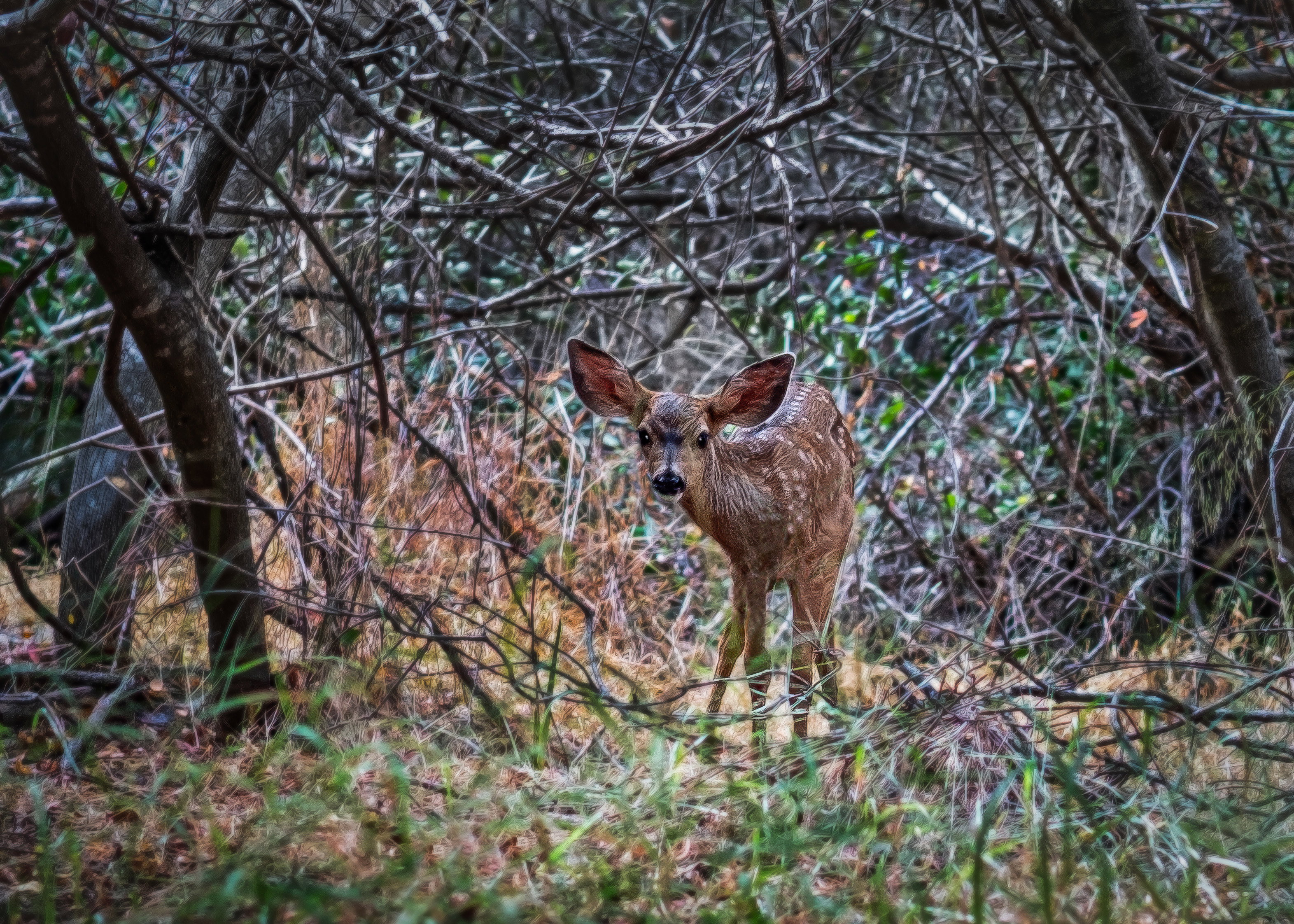
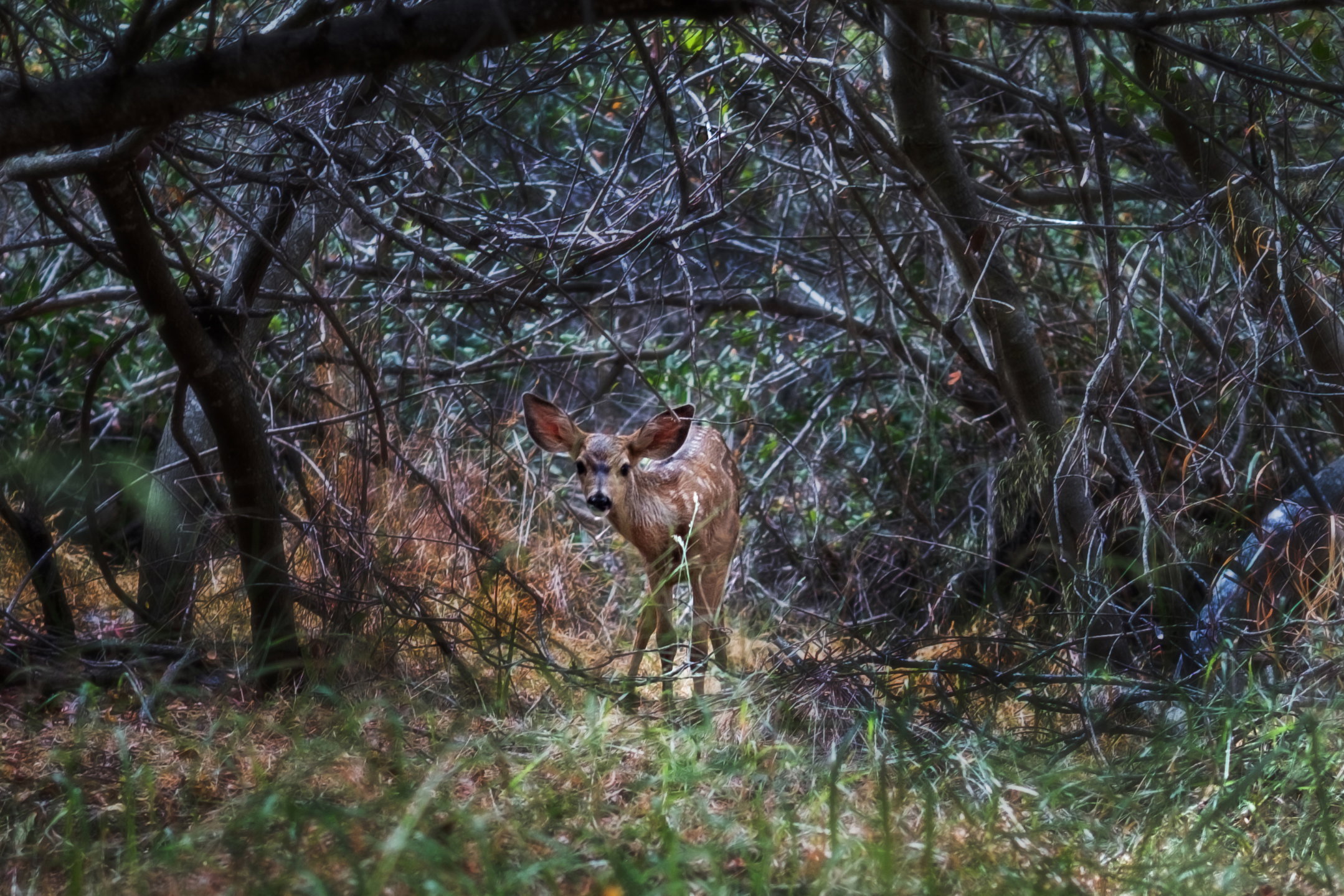
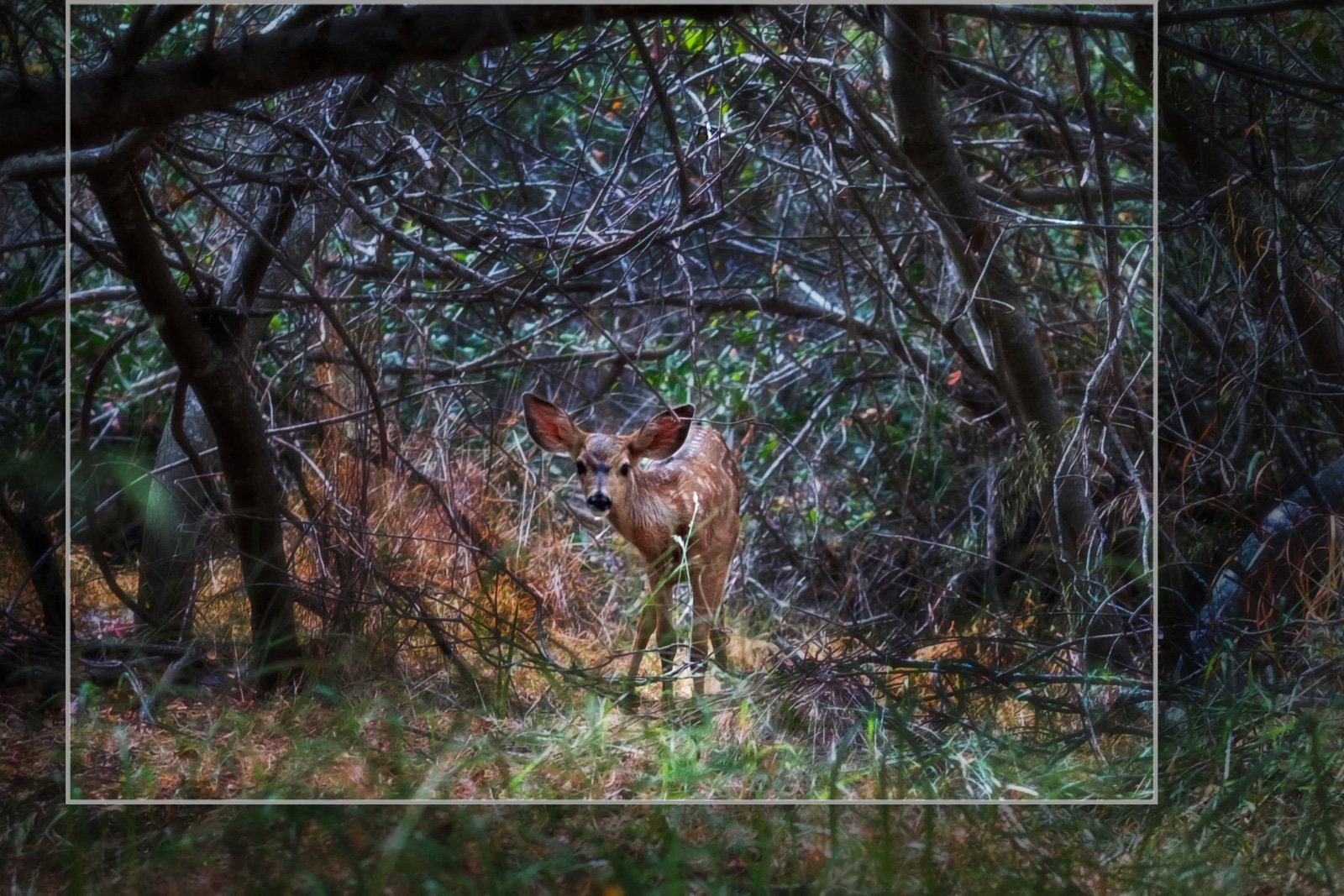
What changed: On this revised version I did the following: --cropped so fawn is off center --Did not darken the surroundings as much. But I did slightly blur them. --sharpened fawn. --got rid of grass and branches in front of fawn.
Added after receiving feedback from the community.
The photographer is looking for thoughtful feedback on the image as a whole, especially around the areas noted below.
Feedback Focus: Artistic + Technical
About This Image
I was recently on my honeymoon and I specifically left my big camera at home. So I had to take this with my Fuji Xpro 1 with a 50mm. LOL. My main question is cropping. One subject with lots of complex surroundings. I left a lot of the surrounding in to give the idea of the animals smallness and shy nature. Right? Wrong?
Feedback Requested
I would like feedback on the crop and the handling of the surroundings around the animal
For me the crop is the ideal one which shows the deer small and vulnerable in its surroundings. You have some nice light falling on it too which draws the eye nicely.
As far as alternative crop if you are looking for one, you might use the thicker dark trunks that form a square shape to be the basis of a frame within a frame that might work well.
What a wonderful opportunity!! And I see this is your second post, so welcome to NPN! I hope you will find it as wonderful as place to hang out as I do! Going now to check on your first entry, and looking forward to more!
I like @Huw_Thomas 's crop and here’s another suggestion FWIW. Getting the fawn off center is a way to add some visual interest.
You don’t give any information about processing, which limits critique, but the darks feel heavy to me and it could be worth comparing with more detail there brought out in the raw processing. There is a lot of blue in the branches, which almost looks like some sort of filter. The fawn is a bit softer than I would hope for but probably not a lot can be done in post. With Photoshop it should be possible to do some microsurgery to remove the brighter grasses in front of the shoulder and the very OOF one toward the bottom left. Also the brighter OOF ones toward the right.
When I open the image in PS I see it doesn’t have the proper profile. An image for web display should always be converted to sRGB and the profile tagged. And PS should be set to warn if a profile is missing or does not match the working color space.
Thank you Diane for the advice and the welcome. So far this site is a very good fit for me. And the community is tops, with everyone being passionate about the art and friendly to boot. Regarding the shot, your points are well taken. I have never heard this about the profile–I guess I will never stop learning. Ok, two posts and both times I have had to go back to the raw file. LOL. That is a good thing, though a bit humbling.
Thank you Huw. Very valid points. I like the advised crop. I seldom put my subject in the middle and you have correctly pointed out that the off center is better on this shot as well. Back to the darkroom!
I think the ability to go back to the raw file is the best thing that ever happened in photography – analogous to reprinting the negative but way better! Nowdays, the paint never dries!
Profiles: One is going to enable converting the 0s and 1s of a raw file into an image, and then another one is going to interpret how an image is displayed on a monitor. If you’ll give a rundown of both your processing workflow and your export (to JPEG) process, you’ll get some good advice.
Thank you! That is so good to hear. I feel this is a unique “deer” shot. Poor deer, they are so beautiful, but are so common people sometimes yawn when they see a deer picture. Life is unfair. LOL. So I wanted to make this work. AND its sRGB. I have my PS set up now correctly. That was a valuable training lesson.