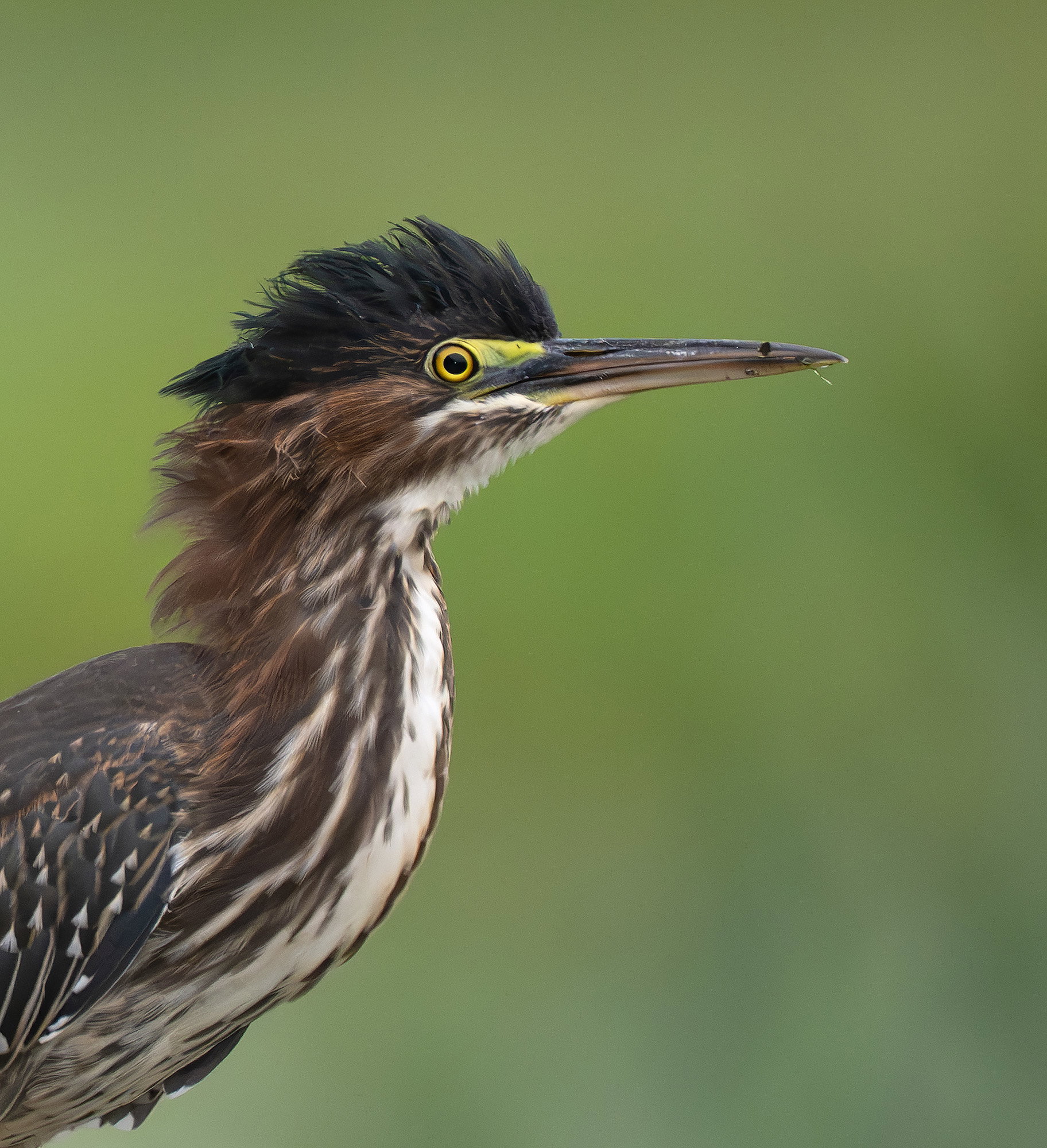
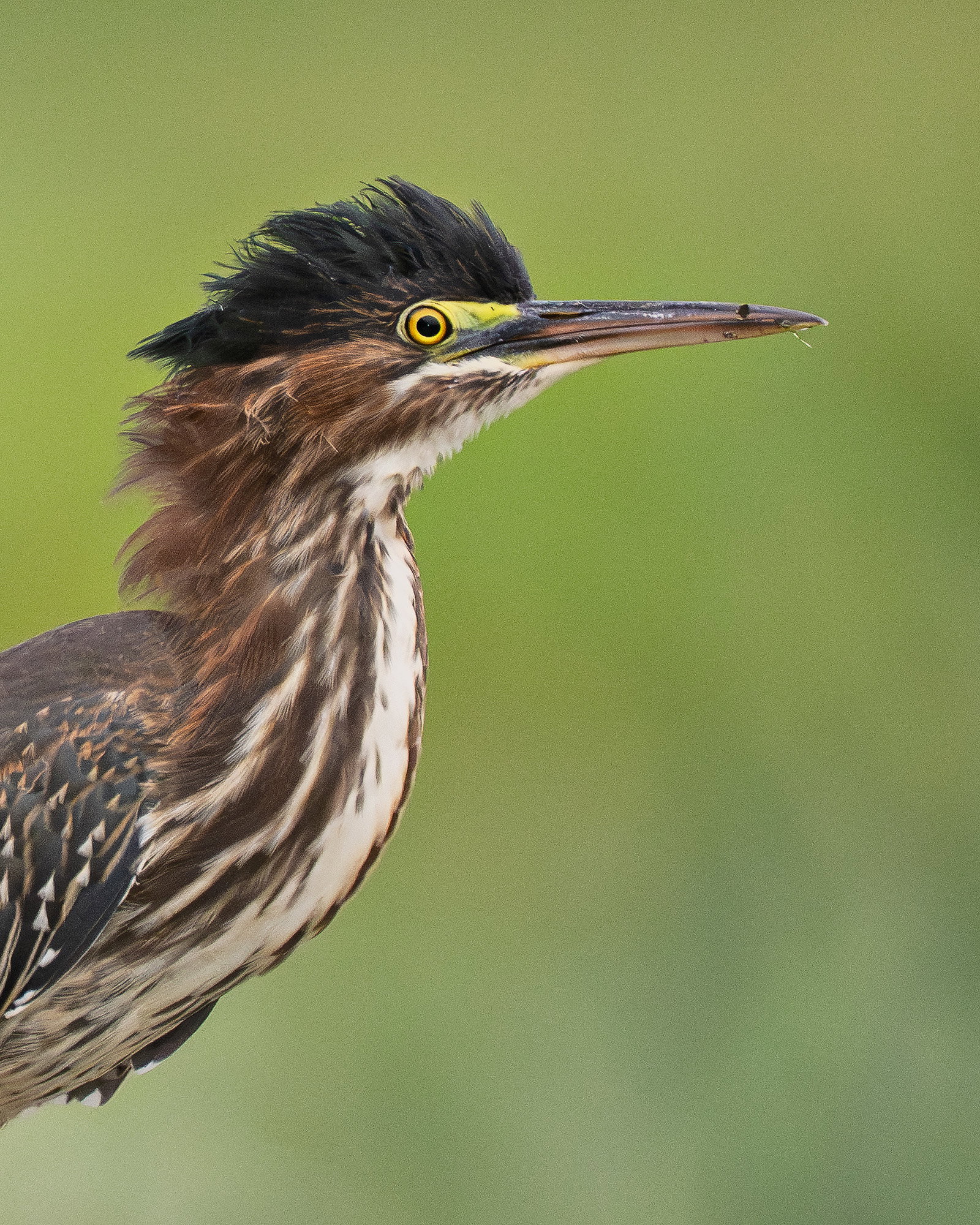
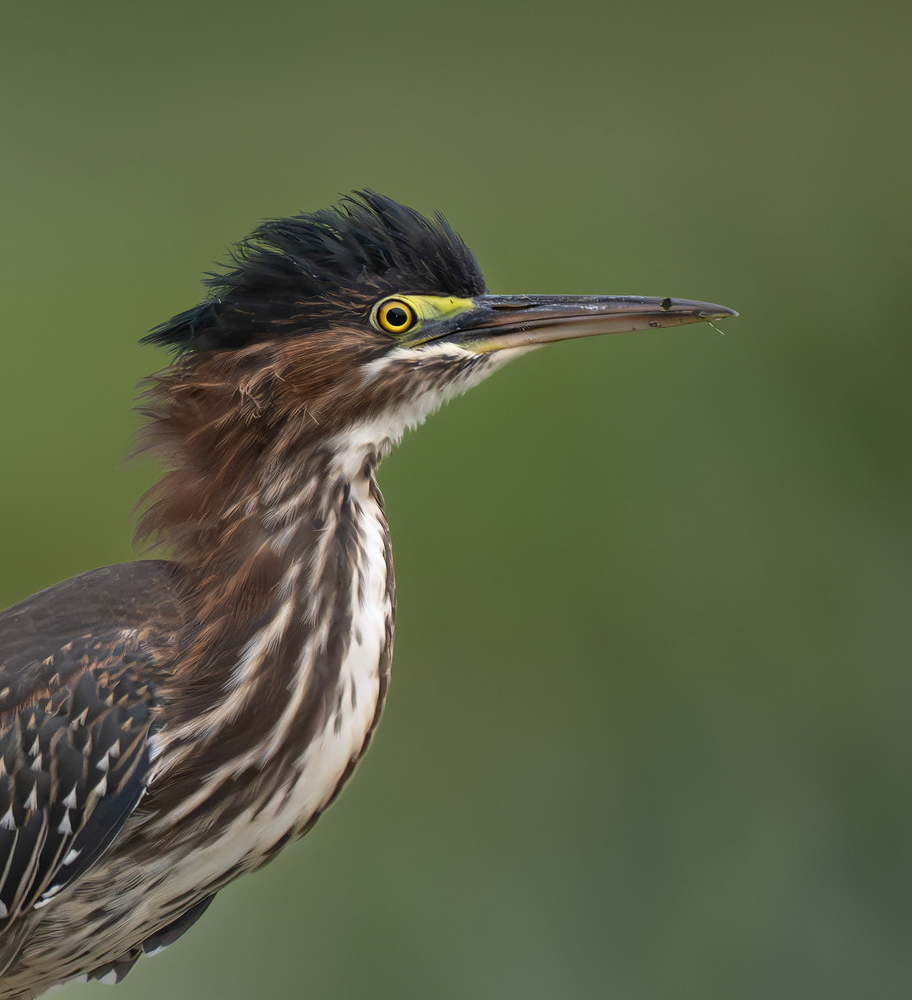
What changed: I reset the original RAW file in Lightroom and applied DeNoise more aggressively. Once in Phootoshop, I sharpened the image with Smart Sharpen, and adjusted levels. Finally, I added a little more Noise Reduction and boosted yellow saturation and reduced green saturation in Adobe Camera Raw Filter. The crop is also less aggressive and gave the subject more room. Although the noise is still visible at very large image viewing, it certainly is more tolerable than the original post. Thank you..Jim
Added after receiving feedback from the community.
The photographer is looking for thoughtful feedback on the image as a whole, especially around the areas noted below.
Feedback Focus: Artistic / Expressive
About This Image
Several weeks ago, a young green heron landed on the railing of a boardwalk at a local park. The perch was not ideal, but I liked the raised crest and the eye color. It was a cloudy day, so the RAW image was quite flat in terms of shadowing present. Fill flash provided additional light and some contrast in feather detail. My sister liked the image so I gave her a print for her wedding present.
Feedback Requested
Even though the subject was not very far from me, I used a fairly robust crop to make a portrait of this guy. I wanted to show some of the spotted feathers on the back as well as the intense coloration of the eye. How did I do? It printed very well and had to update Photoshop because the 2026 version was not playing nice with my printer.
The processing looks excellent, Jim. I like the pose, detail and lighting. For my taste, the bits of tiny debris and slightly disheveled look add a lot to this image, giving the bird much more personality than a purely pristine shot.
Jim, this is a great, tight look at this Green Heron. While they often seem “surprised”, this close look at that wide open eye definitely fits that impression. As very minor nits, I’d suggest cloning out that black dot on its beak and maybe adding a bit more contrast to the feathers at the top of the back.
Hi Jim, very nice portrait. Love the ruffled looking feathers on the head and back of the neck. Nice color rendition. For my taste, I’d keep the bits on the beak as they imply this bird was doing what herons do. The eye looks great. A minor nit but I am seeing a bit of noise in the larger version both on the bird and background.
Very nice portrait, Jim. I like the pose with the fluffed up crest and the sharpness of the eye. You have a nice complementary background as well. Agree with Allen about the slight amount of noise, but not a deal breaker. Well presented.
Thank you @Dennis_Plank , @Mark_Seaver , @Allen_Sparks , and @Allen_Brooks for your excellent critiques. I noticed the noise before I printed the image and luckily it does not appear in the print due to the blending nature of ink-jet printing. For the screen, I would need to re-process the image and re-apply NR and leave out the micro-contrast enhancement…Jim
I think the revision looks very nice. Getting the image from your screen to the printer is always a challenge. Right now I export the photograph at 100% and open up the crop to work with 5by7, 8by10, 16by20… I also use Epson Print Layout and print on an Epson P900.
I like the revision with more space and the processing of the bird is faultless.
The only helpful thoughts I have is that the background is a bit bright and colourful ands uniform without any vegetation features to soften the bold colours (which do complement the birds colouring).
Adjustment Sat -13, lightness -22 which makes the background less dominant - but I need to feather the mask better because the heron’s chest is now too bright for the adjacent background - but hopefully I have explained enough so you get what I mean.