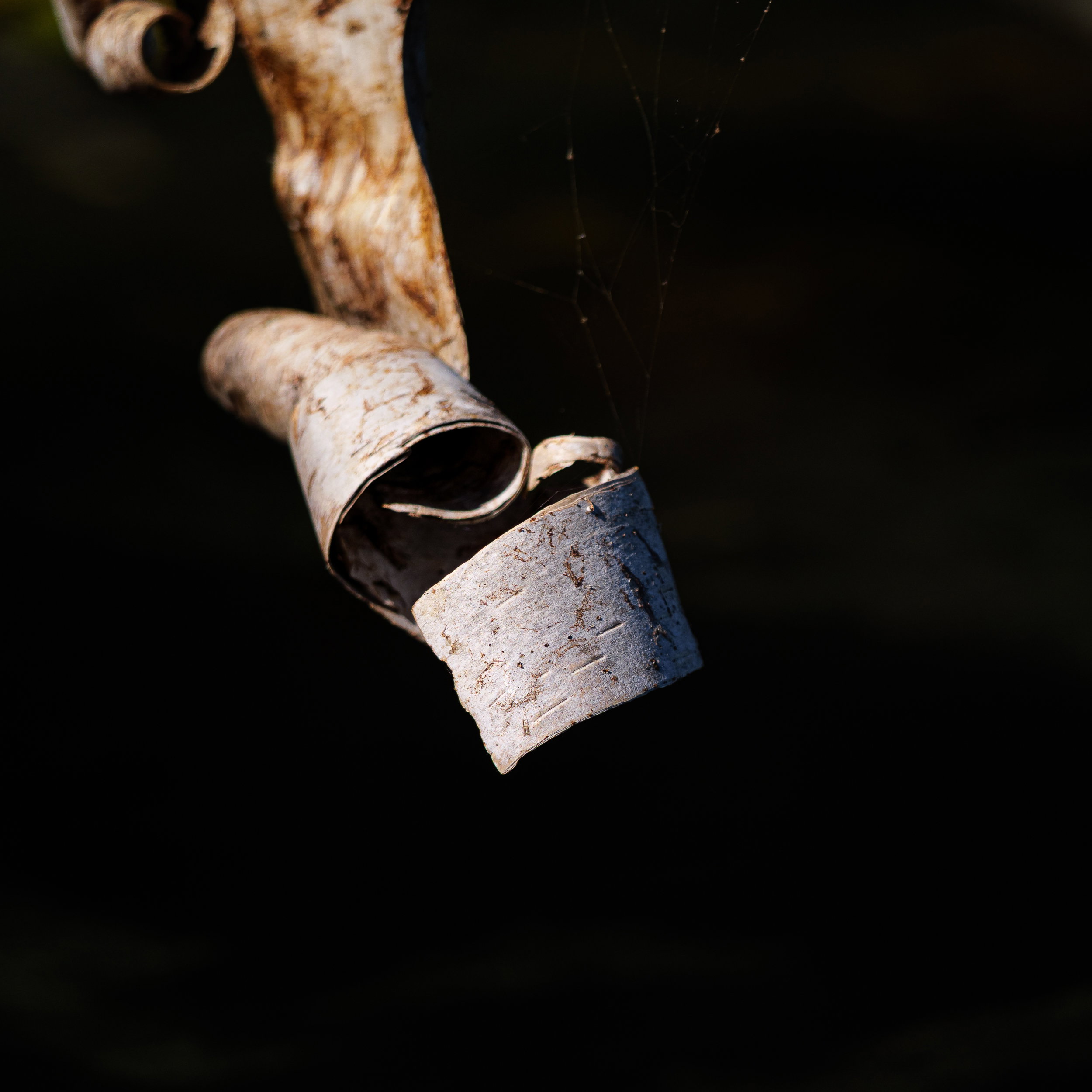
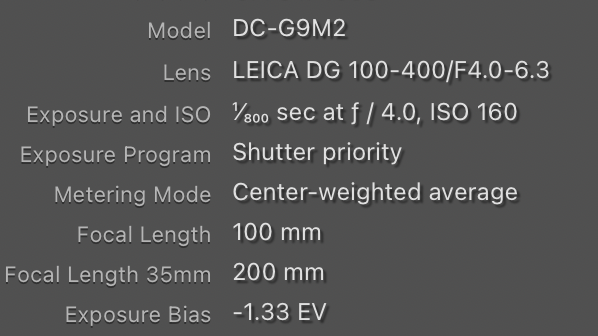
From a couple years ago out paddling Sweeney Lake in Northern Wisconsin I found a few big birch trees had fallen over and made for excellent spider web scaffolding and dragonfly perches. I had to maneuver the boat through all the little branches to get to this dangling bit of bark. It was so perfectly placed because there weren’t any branches behind it. It was kind of a pain, but I like the end result.
Feedback Requests
Deliberately made it dark and light with a lot of texture and contrast. It feels natural, but not in some ways and I think it works. Thoughts? Oh and how about the spider silk?
Lr for everything including some masks and global adjustments to get the spotlight to be just on the bark. Square crop because I think it works and it gets rid of some light branches to the right.
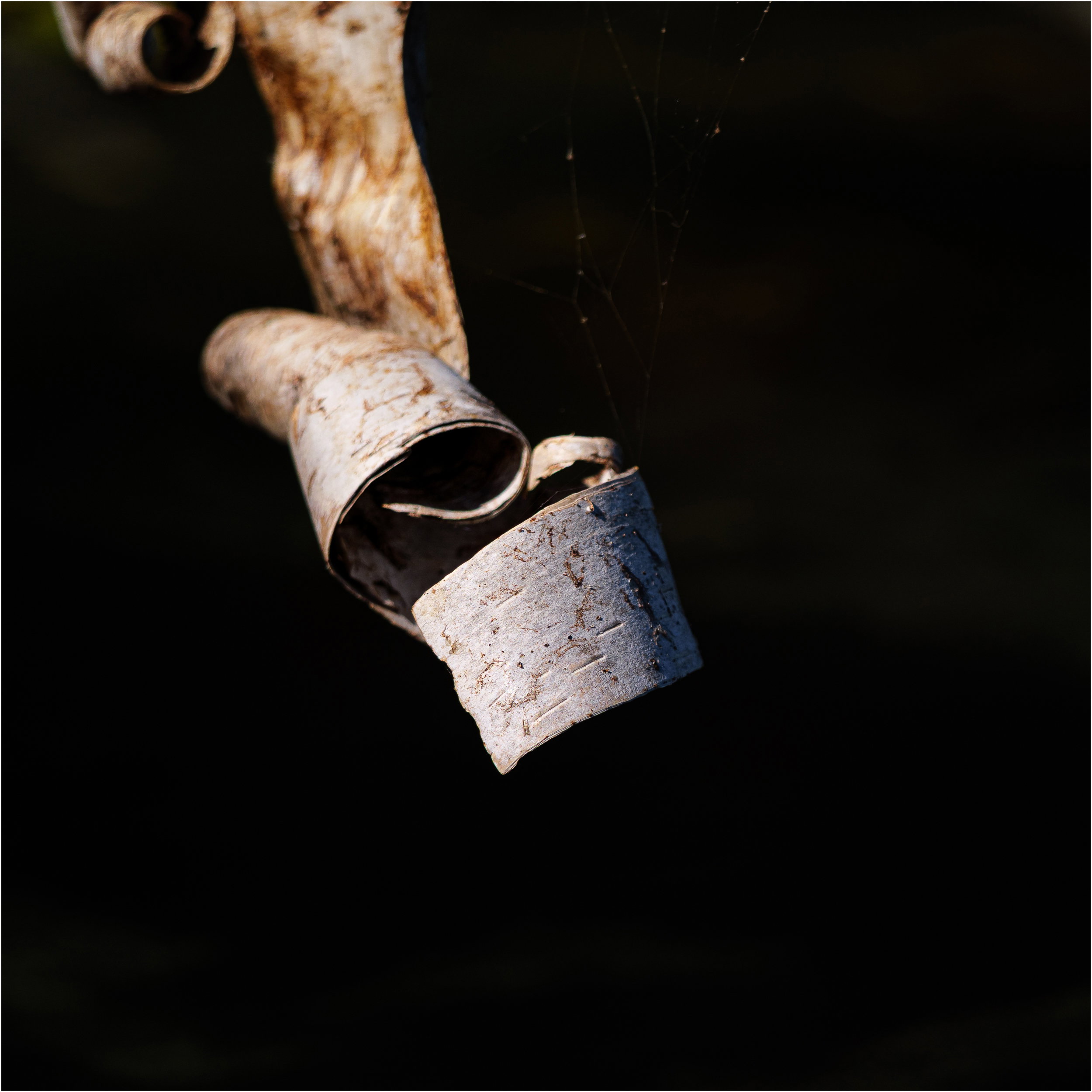
Kris: This is a really nice find and I like your lighting and DOF choice especially. My only significant suggestion would be to put a thin white stroke on the frame to separate it from the site BG. When I put a border on it the spider silk works but without it just comes off as dust and/or gets lost in the expanse of the screen. Other than that, >=))>
Kris, this is nicely stark with a strong emphasis on the curled bark at the end. As presented, it stands out well for me, which says that its viewing depends on the person’s NPN theme settings (I use “Dark - Clean”). The spider silk is very dim so cloning it out would make very little difference in the viewing.
This is really easy to do and if you notice I do it on all of my images. In PS double click the background layer and let it be changed to Layer 0. Then right click on the Layer 0 and a dialogue box pops up which includes BLENDING OPTIONS. Click on that and you get a number of options. Pick STROKE. From the Stroke menu you can choose the size, color and location of the stroke. I use a white 4 pixel inside stroke on each image and a 1 pixel outside stroke on my copyright text. Flatten the image and you’re done. >=))>
I just now found this. The bark curl is gorgeous and the shallow DOF works very well. I wonder about slightly more detail in the BG and a vertical 8x10 or thereabouts.
Here is another way to do a frame, as a layer, so you don’t need to flatten. Make an empty layer on top of the stack, do Edit> Select All and Edit > Stroke. Choose the color and width and select Inside. Then you can resize the layer to move the stroke inside the frame if desired. Edit > Transform > Scale and choose something like 95%.
Thanks @Diane_Miller - next time I attach the storage drive, I’ll see about different crops etc. It’a few years old and no longer on my local drive. Glad it has some appeal. It was a nifty little curl, but so, so hard to get to.