The photographer is looking for thoughtful feedback on the image as a whole, especially around the areas noted below.
Feedback Focus: Artistic / Expressive
About This Image
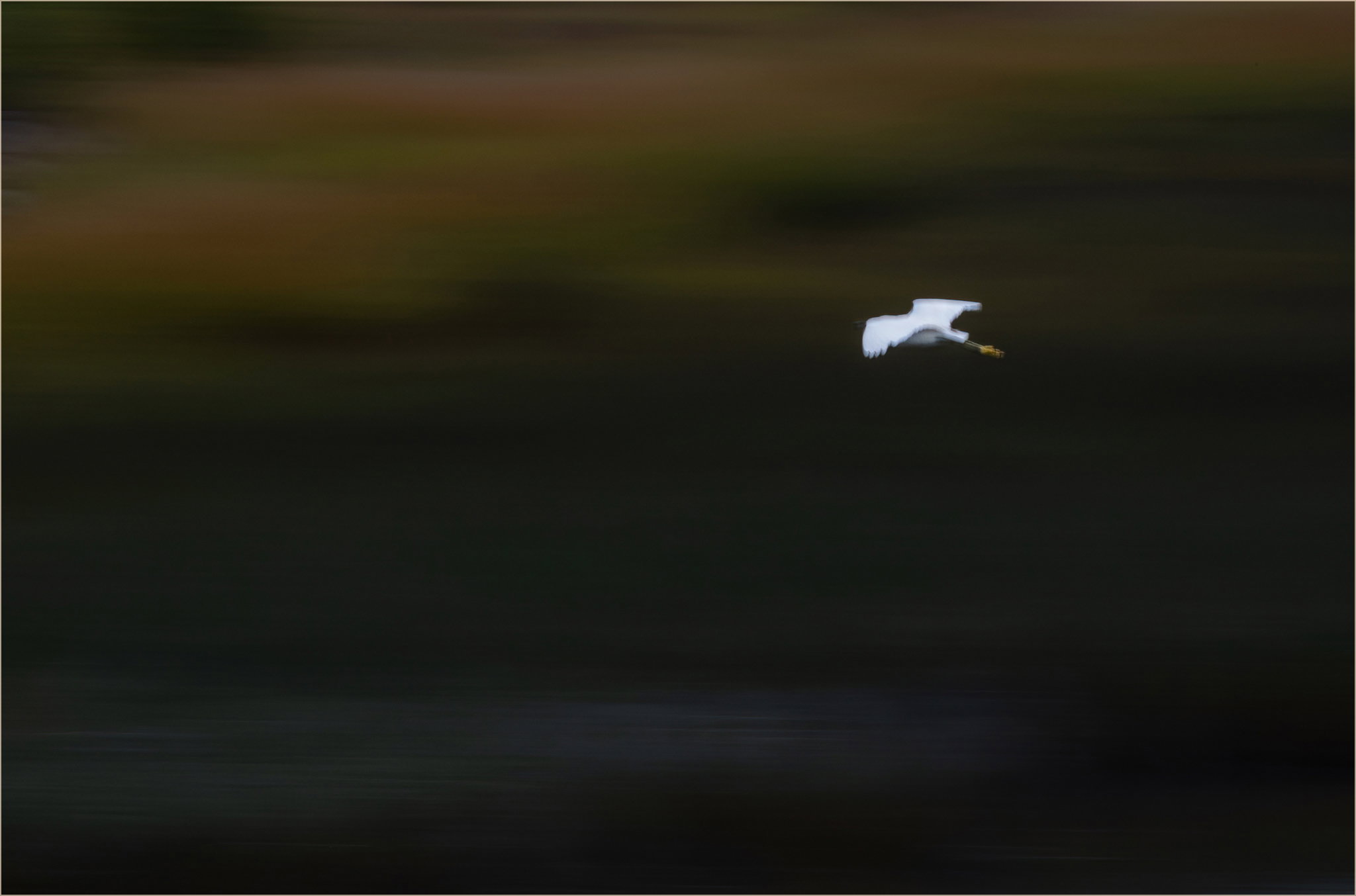
Made near Portland, Maine on a cloudy day. I was practicing slow-motion pans and following this snowy egret. It rained a lot on this trip and I think it was raining at the time I made this.
Feedback Requested
Too dark? The feeling I wanted is motion, moving from darkness to light with the suggestion of landscape features.
Debbie, that white egret really stands out against the broad swaths of dark color behind. This is a very effective, minimalist view. I think you’ve positioned it perfectly.
Very nicely done, Debbie. I suppose one could argue all day about the degree of blur in the egret, but it works for me. The only thing I’d do (and it’s largely because I use a dark background) is put a stroke around the frame to separate it from the background screen.
Hi Debbie
The white egret really stands out against the gorgeously blurred panned background. The limited colour palette is gorgeous in a minimalist way. it would look great framed on a wall and viewed from a step or two back as you do with abstract pics. Not too dark for me at all.
The stroke round an image helps the frame stand out on the screen or printed. just a white 2px fine line would be lovely in this case. If you think white is too bright maybe a light orange colour taken from the upper background?
Easiest way in PS is to add a stroke to a layer via the fx button at the bottom right.
Fantastic pic
You might consider darkening the very top edge a little to stop the viewers eye being pulled up and out of the frame.
Depends on taste, Debbie. I do it often even on light colored images, but I know lot’s of people who don’t. I think it’s particularly effective with a fairly uniform background. I wouldn’t mess with it on a busy one.
A nice painterly, moody scene, Debbie. I like the placement of the egret with lots of room to move into. A frame might add to the painterly effect (if that’s what you are going for).
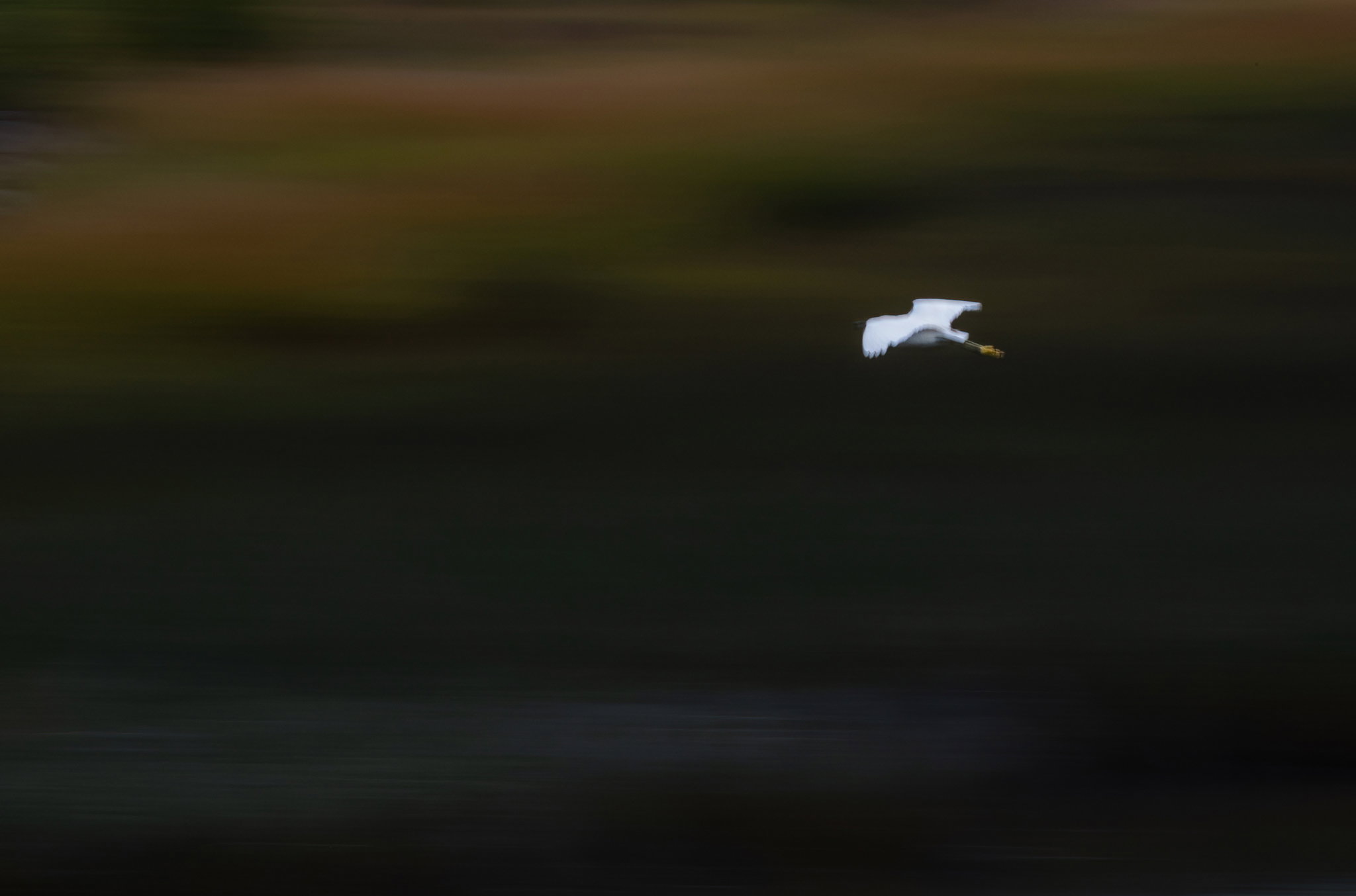
@Huw_Thomas@Dennis_Plank Thank you - I’m reposting with a little frame and slightly darkened top. I was in light mode here in the UI and switched to dark, and saw what you meant.
The framing and concept are spot on. The nit I have is that the Egret isn’t sharp. I think motion blur works when the bird is larger in the frame. I really think your shutter speed should have been around 1/600. Because of the distance, you could have gone as slow as 1/200.
I have often complained to the International Bird Trade Union about birds arriving as I am driving away and taking off just as I pick up my camera. But that is why we go out there to get the other photographs. The overall framing was good.