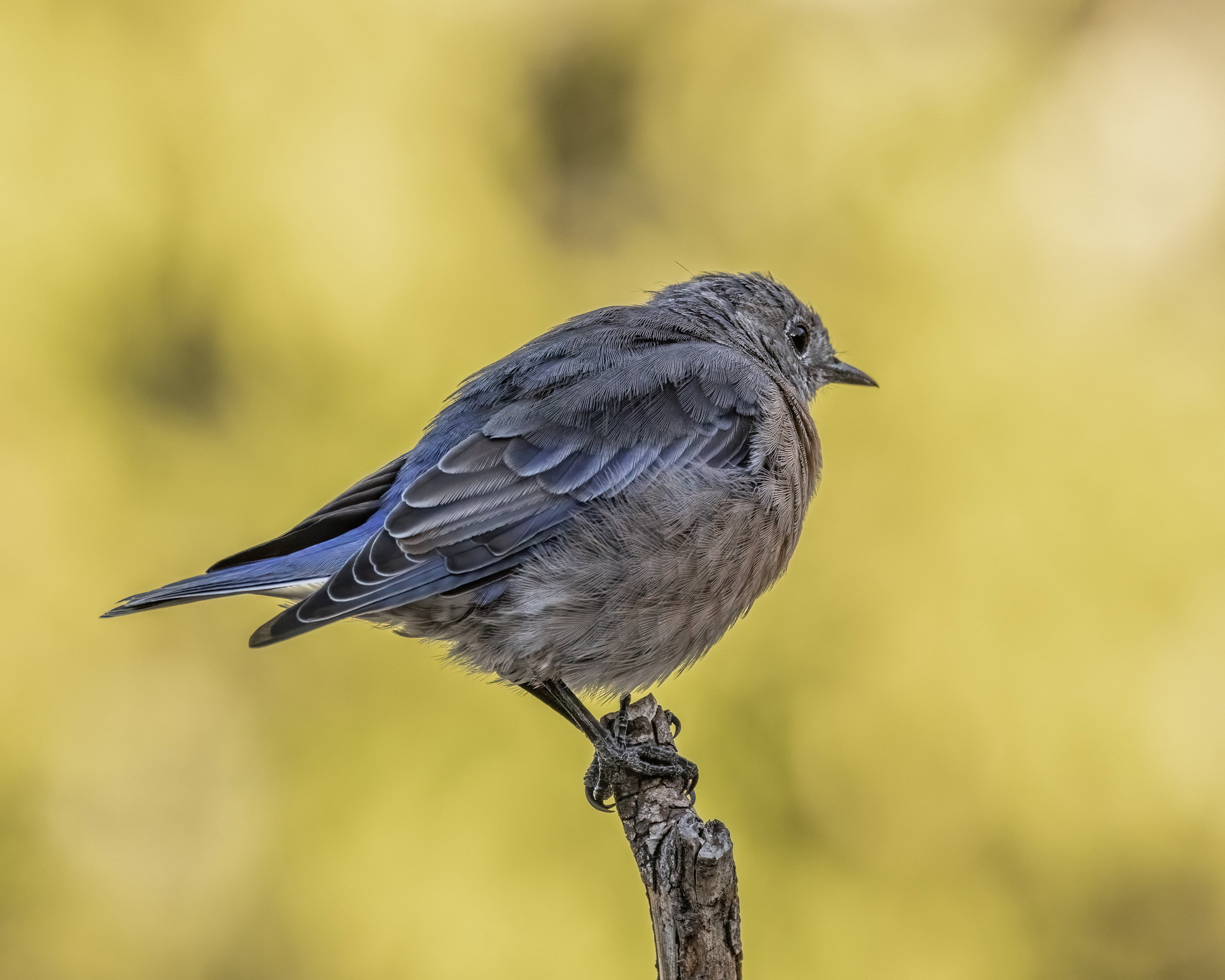
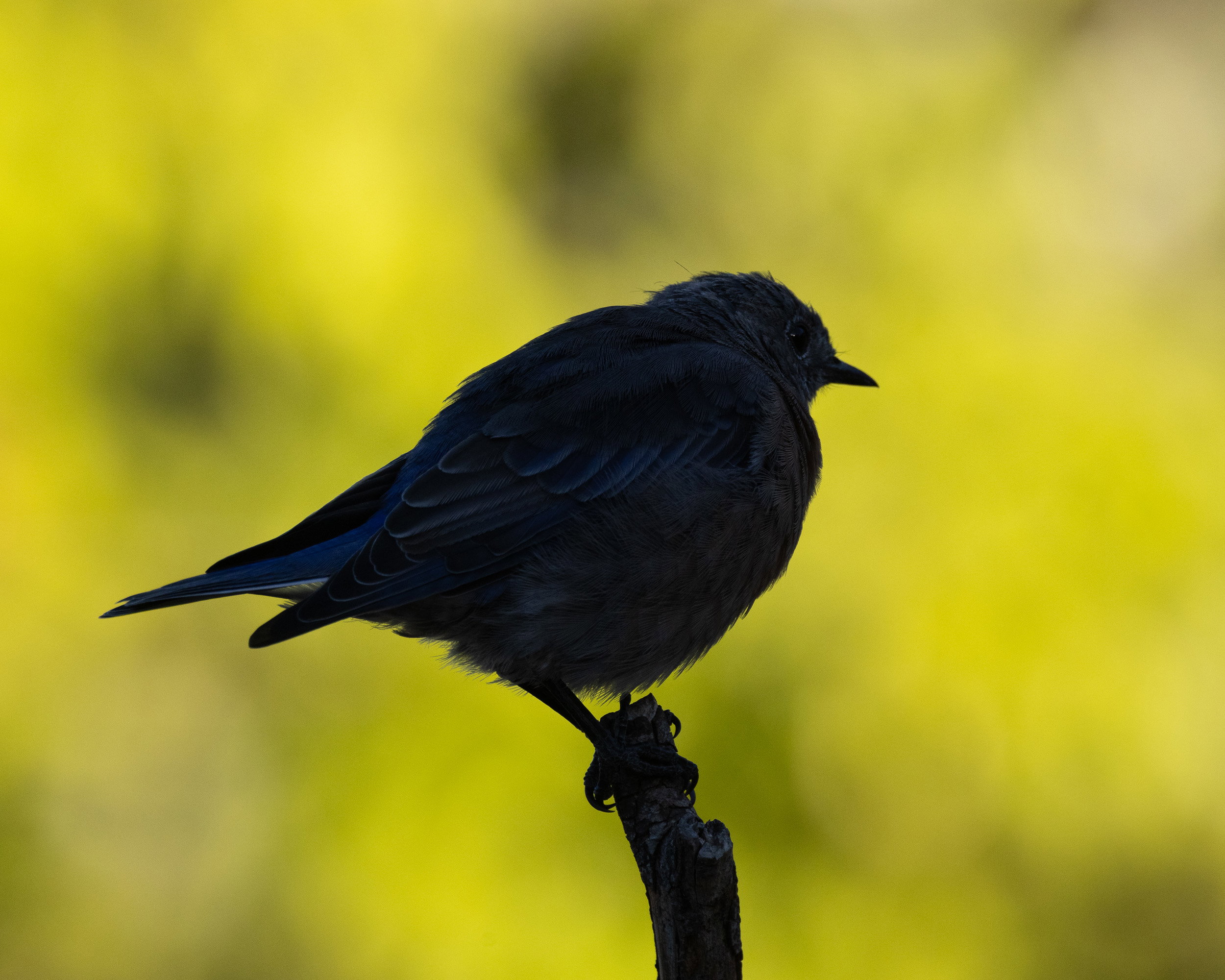
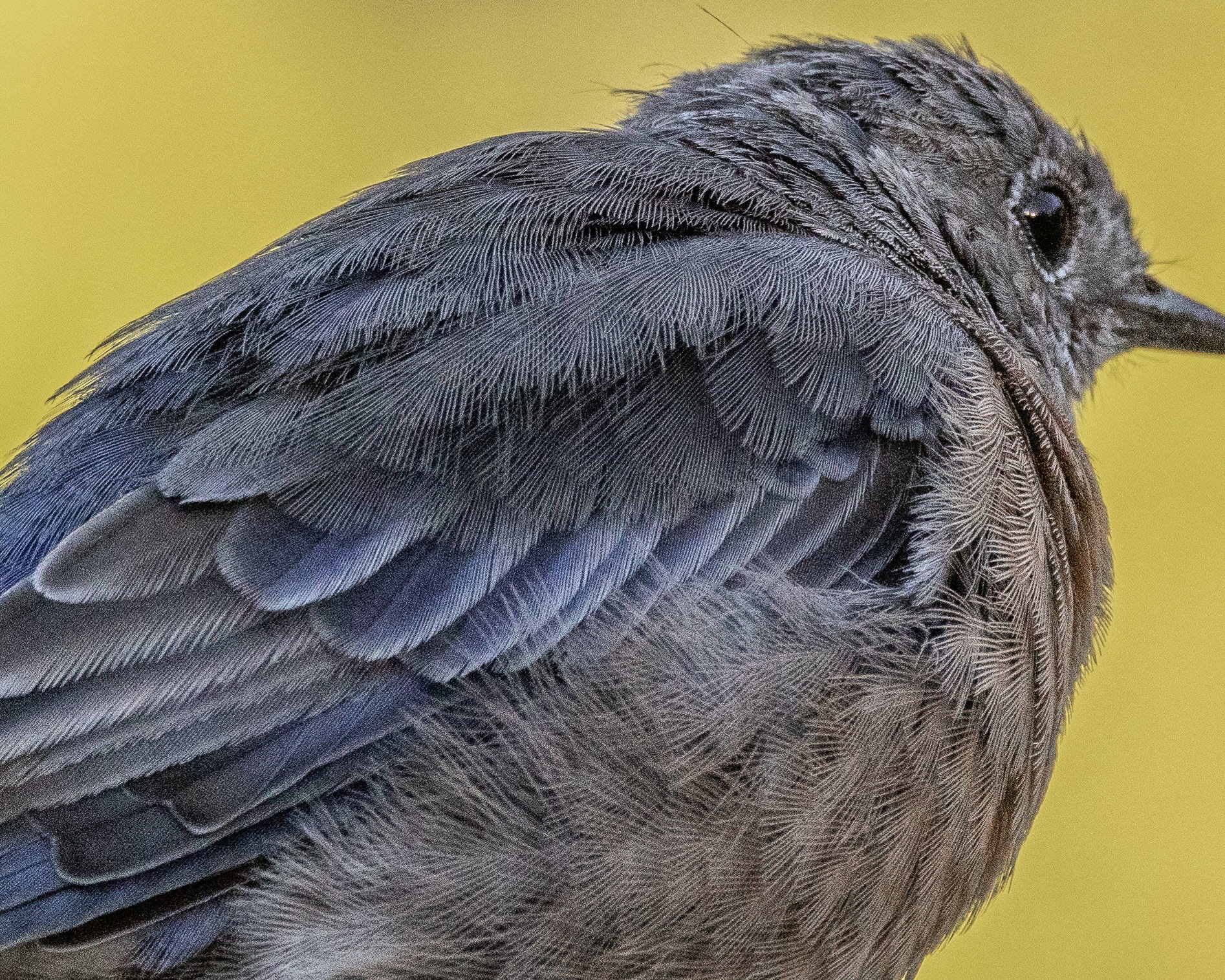
The original raw file with no adjustments
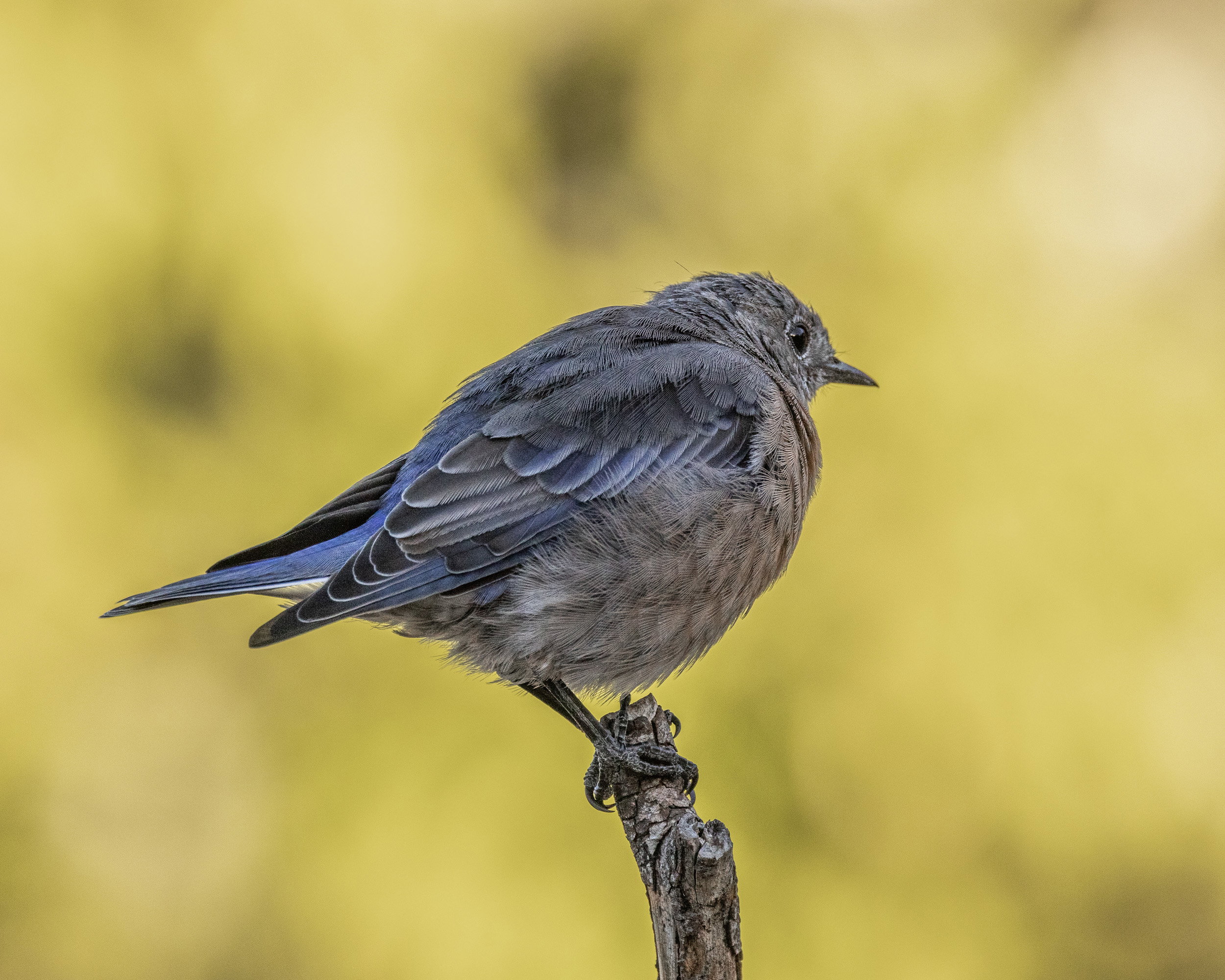
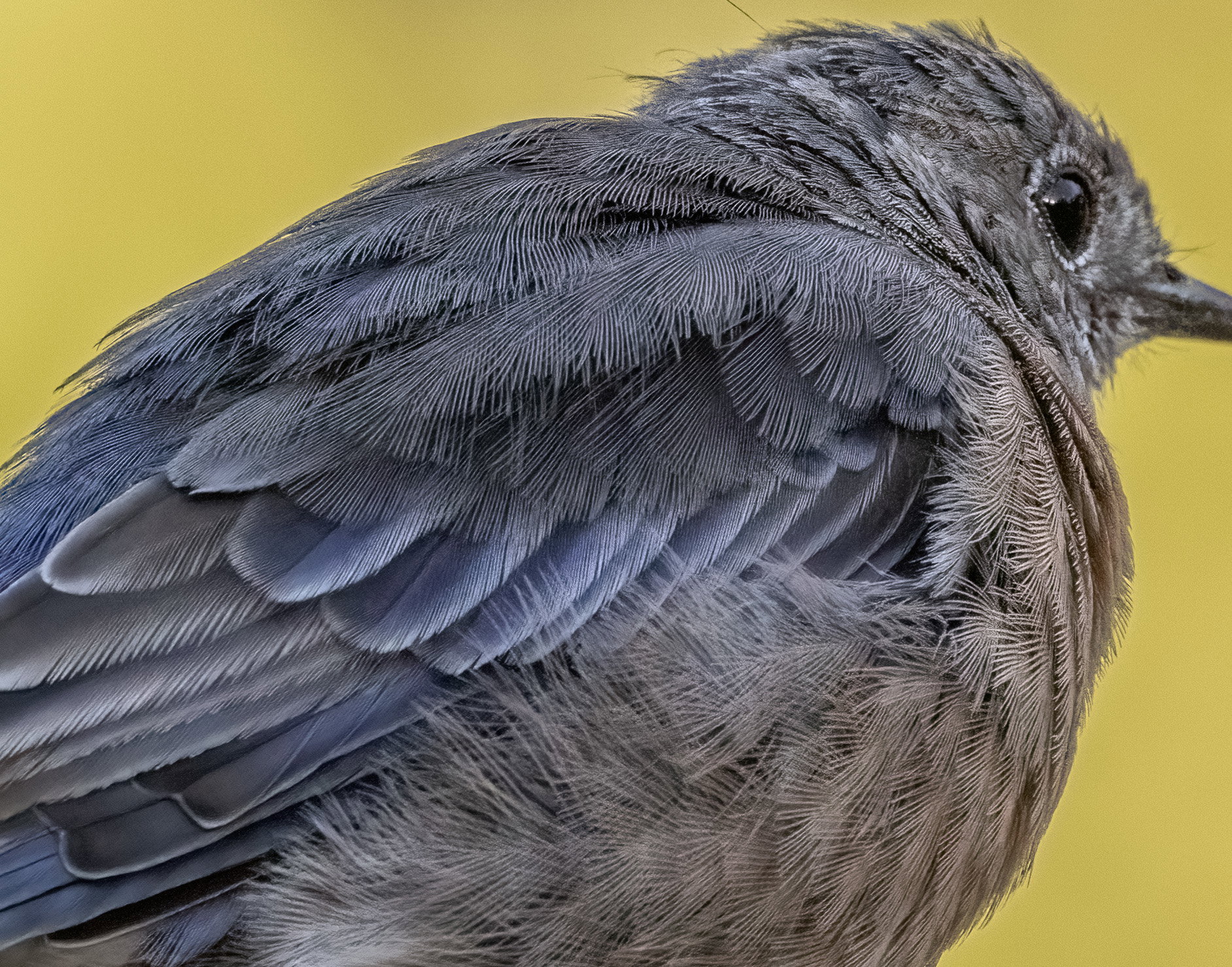
The file with the raw adjustments described below
Critique Style Requested: Standard
The photographer is looking for generalized feedback about the aesthetic and technical qualities of their image.
Description
The shaded morning light had just gone, with my new BG tree in full sun, when the juvie Western Bluebird made a rare and very brief appearance on one of the perches. (They are not interested in any of my offerings, but occasionally use the perches to scan the ground for tasty bugs.) I couldn’t resist grabbing a shot although I didn’t get a head turn. The bird was still in the shade (and don’t tell anyone but I was in Av) so a horrible exposure resulted with the very bight BG setting the exposure. But I was curious if I could salvage anything. The steps are outlined below.
Specific Feedback
All comments welcome!
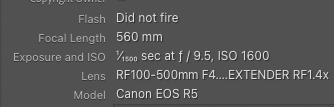
Technical Details
50% crop.
The raw adjustments (LR/ACR)are:
Highlights -100
Shadows +100
Exposure +1
Clarity +50
In the Color Mixer:
Yellow Saturation -50
Yellow Luminance -25
Then a slight warming of the WB
Then into PS for Topaz Denoise, Severe Noise at the default setting.
That’s all.
Critique Template
Use of the template is optional, but it can help spark ideas.
- Vision and Purpose:
- Conceptual:
- Emotional Impact and Mood:
- Composition:
- Balance and Visual Weight:
- Depth and Dimension:
- Color:
- Lighting:
- Processing:
- Technical:
And I see that even posting at a large size, toggling back and forth doesn’t allow that full size. So here is the before and after on the NR enlarged:
Very clever solution to this problem. It shows some excellent Photoshop skills…
But my point was the opposite – these adjustments are completely basic and simple. The only arguable skill is artistic judgement in the crop. Using the histogram as a guide and zooming in frequently to 100% to judge details such as noise and featureless areas is simple technique. The only other “skill” I routinely use is masked Curves to make tonal adjustments – using simple Quick Masks painted on and then edited with the brush tool after the adjustment is made. Toggling visibility on/off to judge the subtlety of the effect is the operative skill there.
Amazing what the dynamic range of modern cameras lets us get away with, Diane. And I agree that your adjustments were very simple.
Wow that’s quite a difference in lighting on the bird and it turned out very well. Simple fix as you say. I’ll have to think twice before trashing any underexposed subjects.
Thanks, @David_Schoen, @Dennis_Plank, @Allen_Sparks and @Sandy_Richards-Brown. It think sometimes people jump onto what looks like the biggest issue, such as a bad BG, and get deep into PS, before they tackle basic tonal and color adjustments that should have been done to the raw file. Then they have a mess that can’t really be fixed and the image quality goes down the sink trying.
I agree with Dennis that these modern cameras are amazing and with Allen that one shouldn’t be hasty to throw away an image. The techniques may be simple in the sense of just moving a few sliders, but there’s skill in knowing which sliders to move and what effect you’re looking for and how best to proceed. Excellent job on this image.
Thanks, @Allen_Brooks! It’s a learn-by-trying thing. Best advice is built into LR/ACR – start at the top of the sliders and work down, then don’t hesitate to go back up and tweak as you go along. It’s all non-destructive in a raw converter. And the histogram is your best friend.