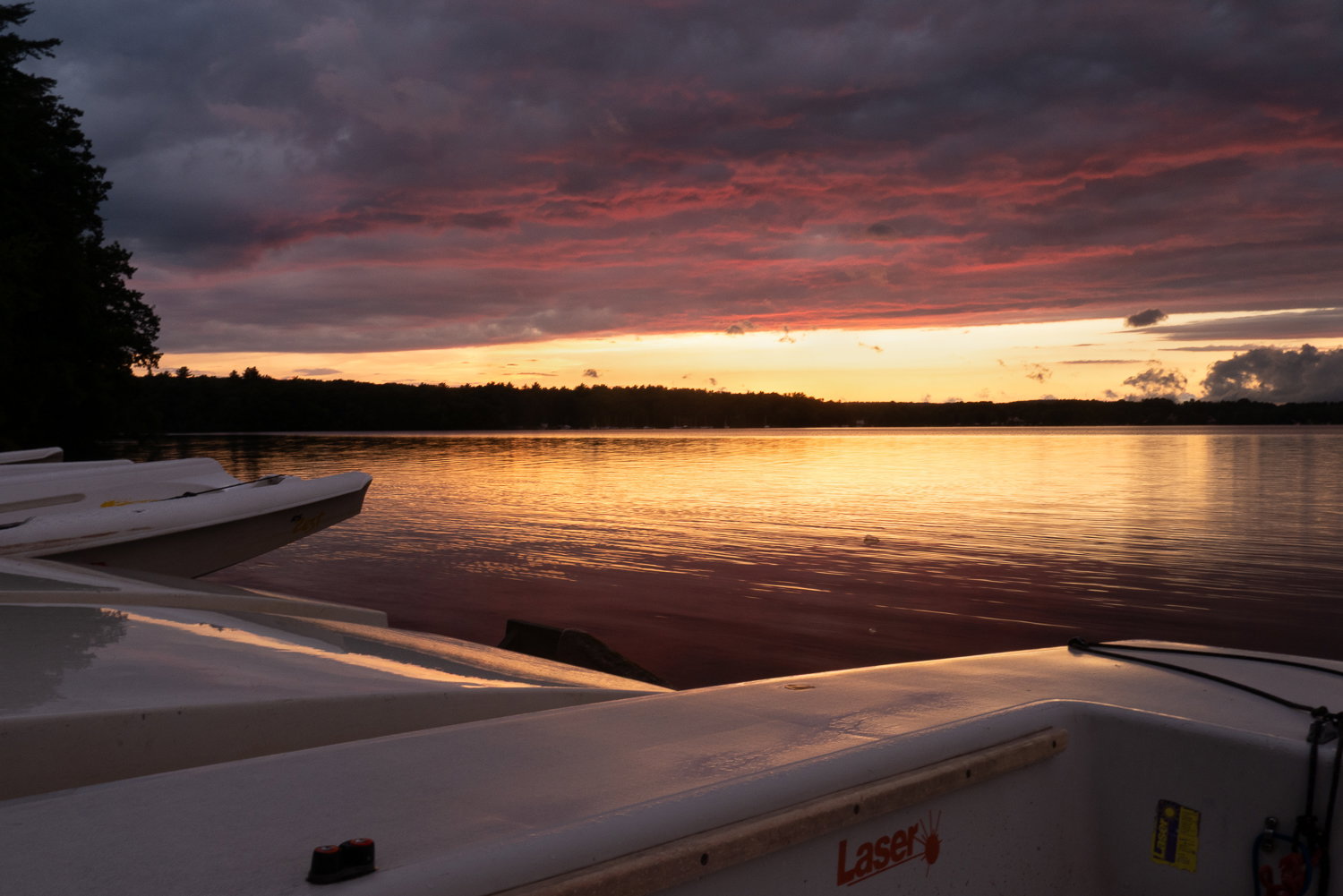
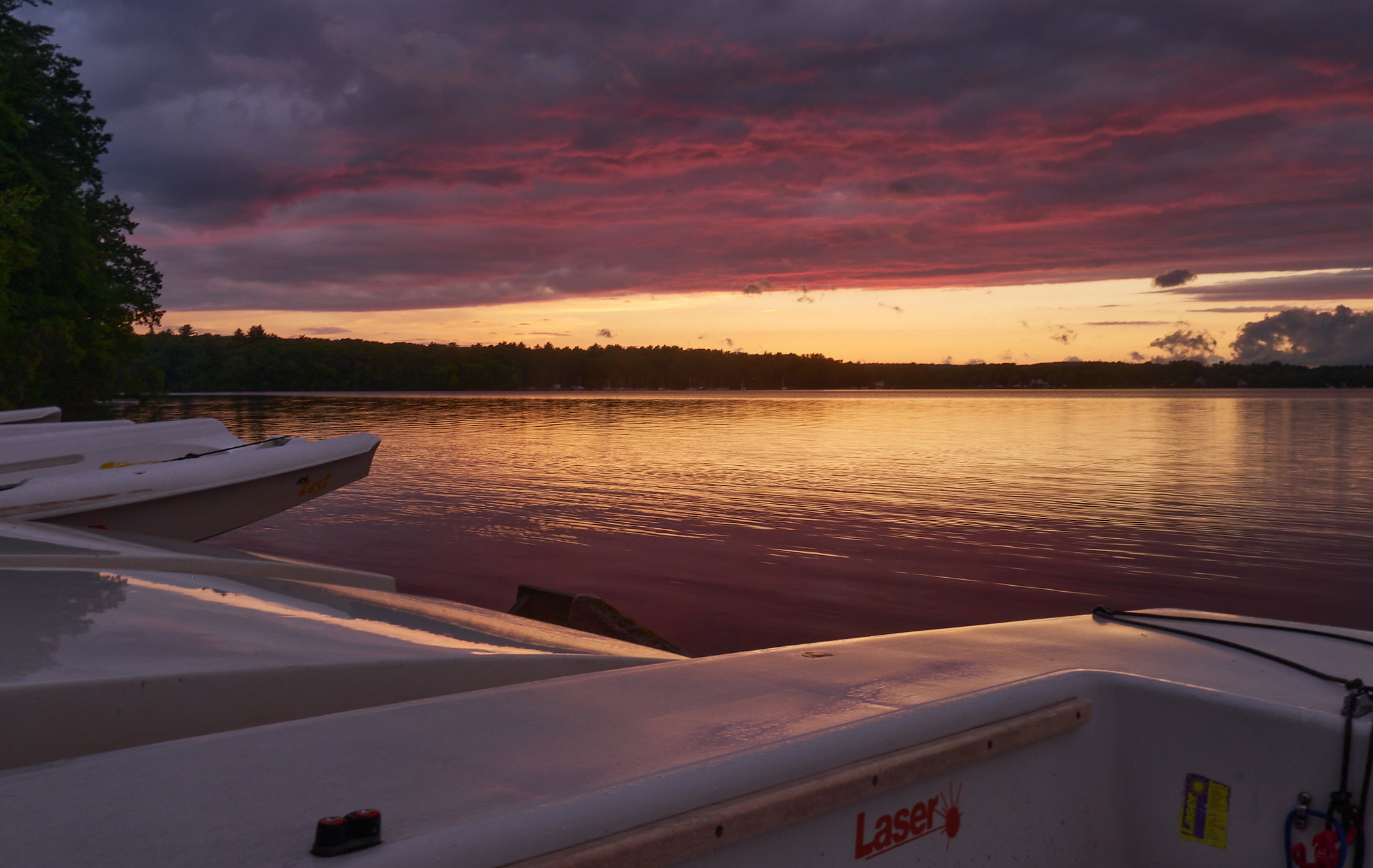
Hi Everyone, I am new to the site and, although it looks like this part of the website isn’t used as much, I am super excited to share this sunset photo. I took this last summer. I was at a local lake during and after a thunderstorm and it was truly awesome. The timing of the storm right at sunset created super cool lighting. I really enjoy keeping my photos pretty true to life but this one is challenging because I feel like any edits make it feel too processed because the light was just so interesting and dynamic. Below is what I settled on but I would love to see others.
You may only download this file to demonstrate how you would process the image. The file is Copyright of the photographer, and you must delete the raw file when you are done. Please post a jpg of what you created, explain what you did, and why you did it.
I use Capture One for my image processing. Here are the basic steps I took:
I brought the white balance down a touch to 5688.
I did an auto levels to get the white and black points (very little change).
I brought the overall exposure down by 2/3 stop. This helped with the brightest part of the sky.
I added a touch of contrast and saturation.
Then I played with highlights (-20), shadows (+16) and Blacks (+24). The blacks were to get a bit of detail in the distant trees.
Finally I added a very slight vignette and cleaned up something floating in the water.
Everything I did was very minor moves on the sliders. Usually, a touch is all you need.
Hope you like it. I had fun playing with your great image. I like how the boats fit the foreground making me feel Iike I am right at the water.
Hi David, Thanks for the great edit and feedback! I really enjoy how you brought down the exposure. It helps lower that super bright part in the middle of the image. Thanks again!