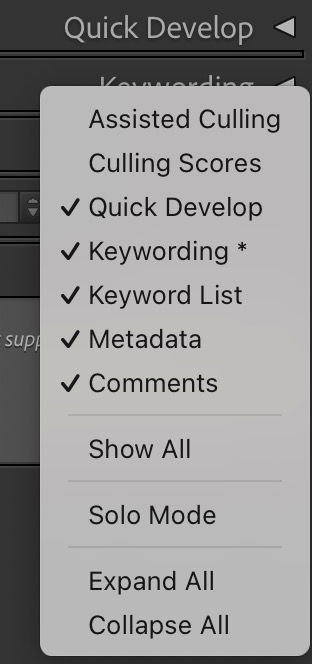
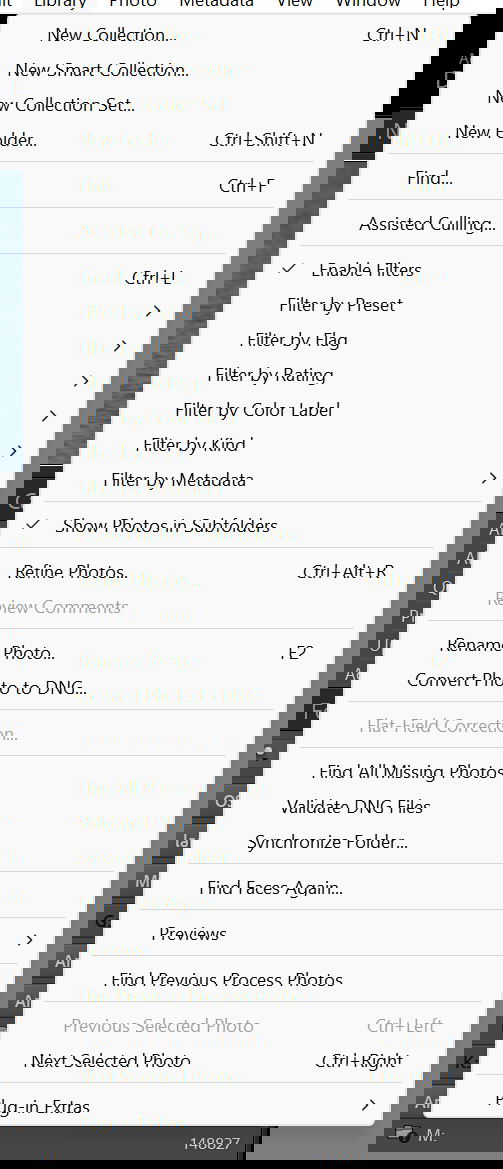
Since I don’t do people to any significant extent, I went into the settings and disabled the AI to get rid of the automatic assisted culling nonsense in LR. However, every time I activate a filter for the images I’ve chosen to process I get this stupid nag bar that usually takes two shots to get rid of. Does anyone know how to get rid of it permanently?
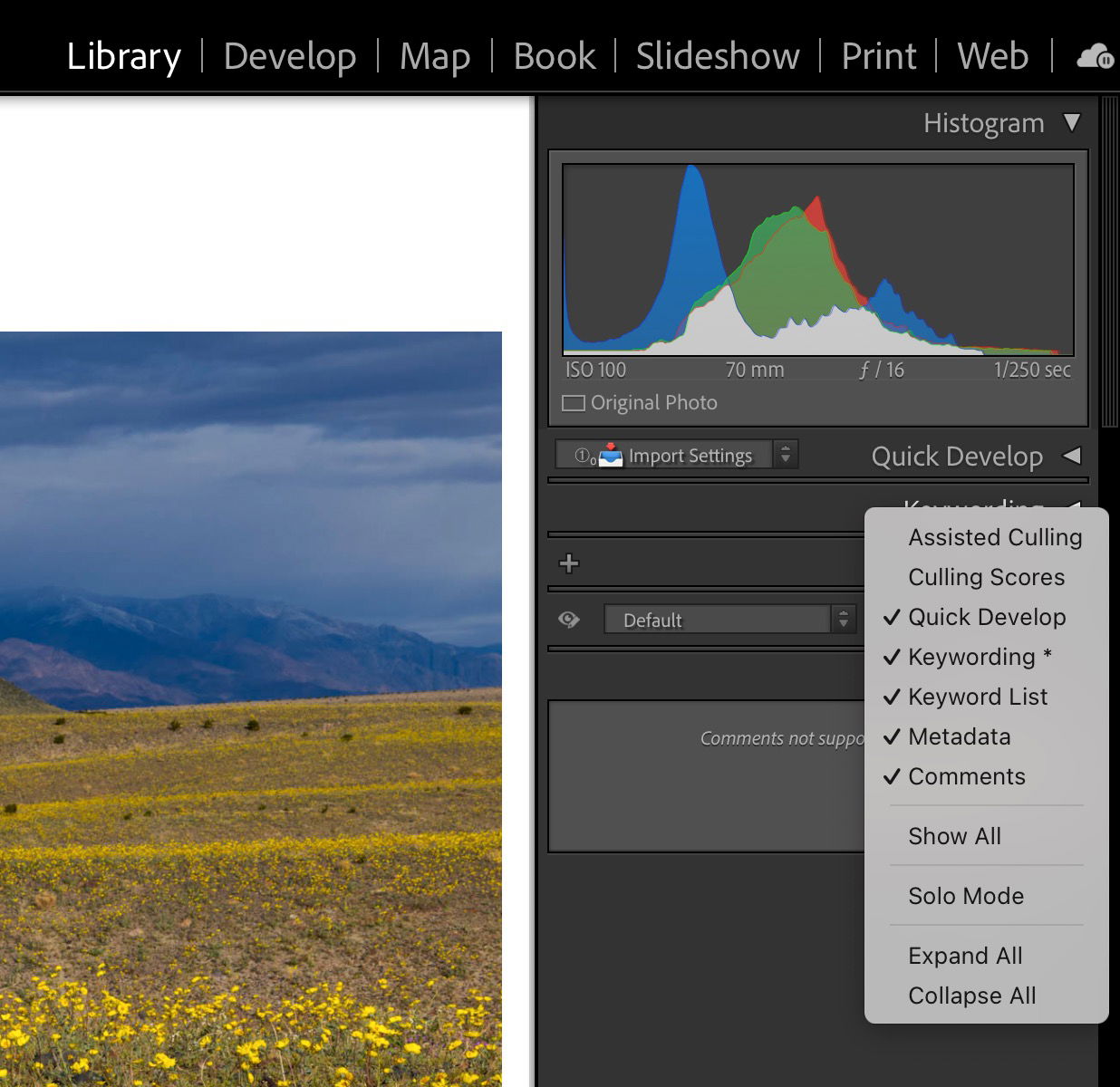
Thank you @David_Kingham, however, I don’t think I’ve ever seen this screen on Lightroom Classic. The Assisted Culling item is under the Library tab on mine and right clicking on it does absolutely nothing that I’ve been able to see. You must be getting at this in a way I’m not familiar with.