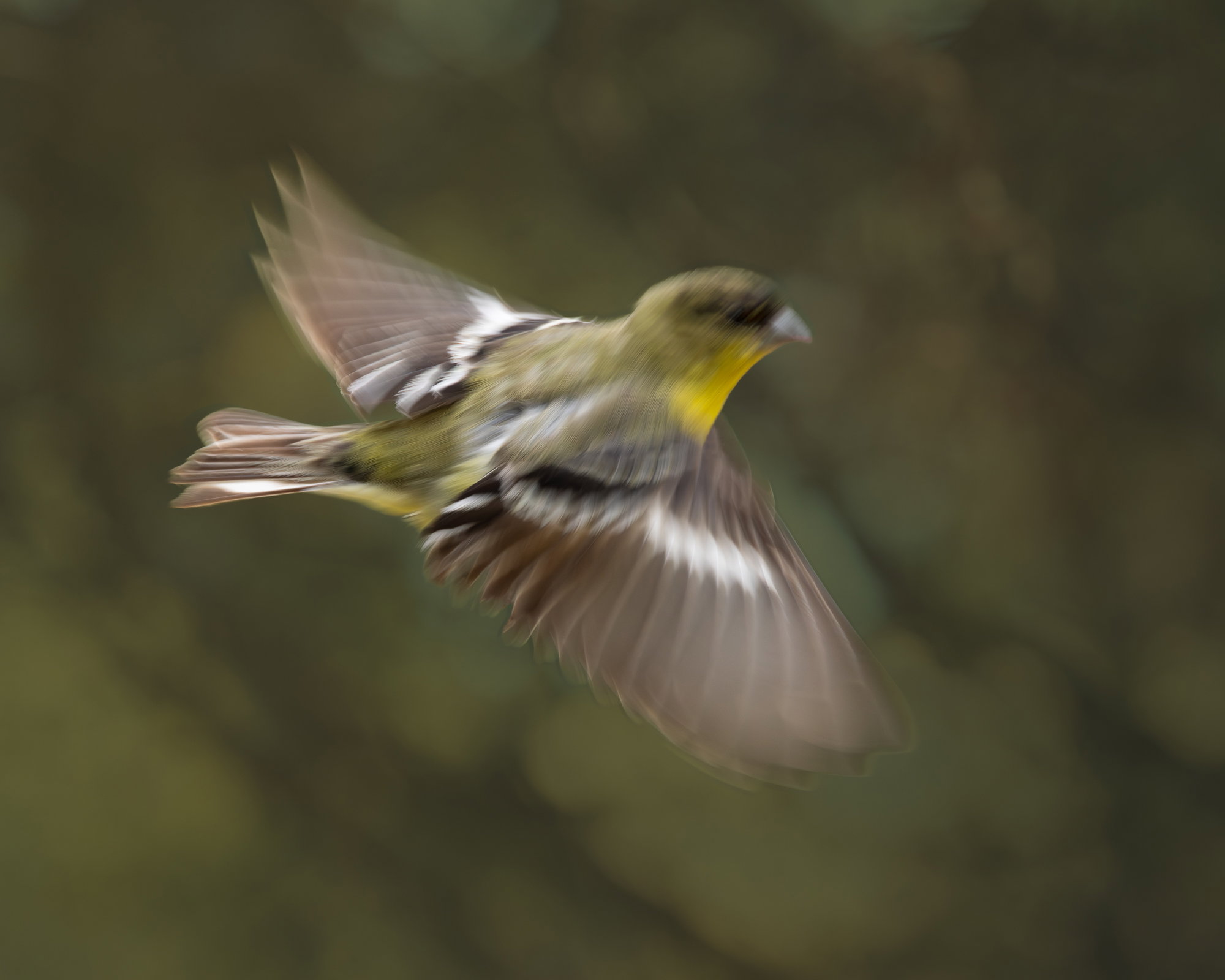
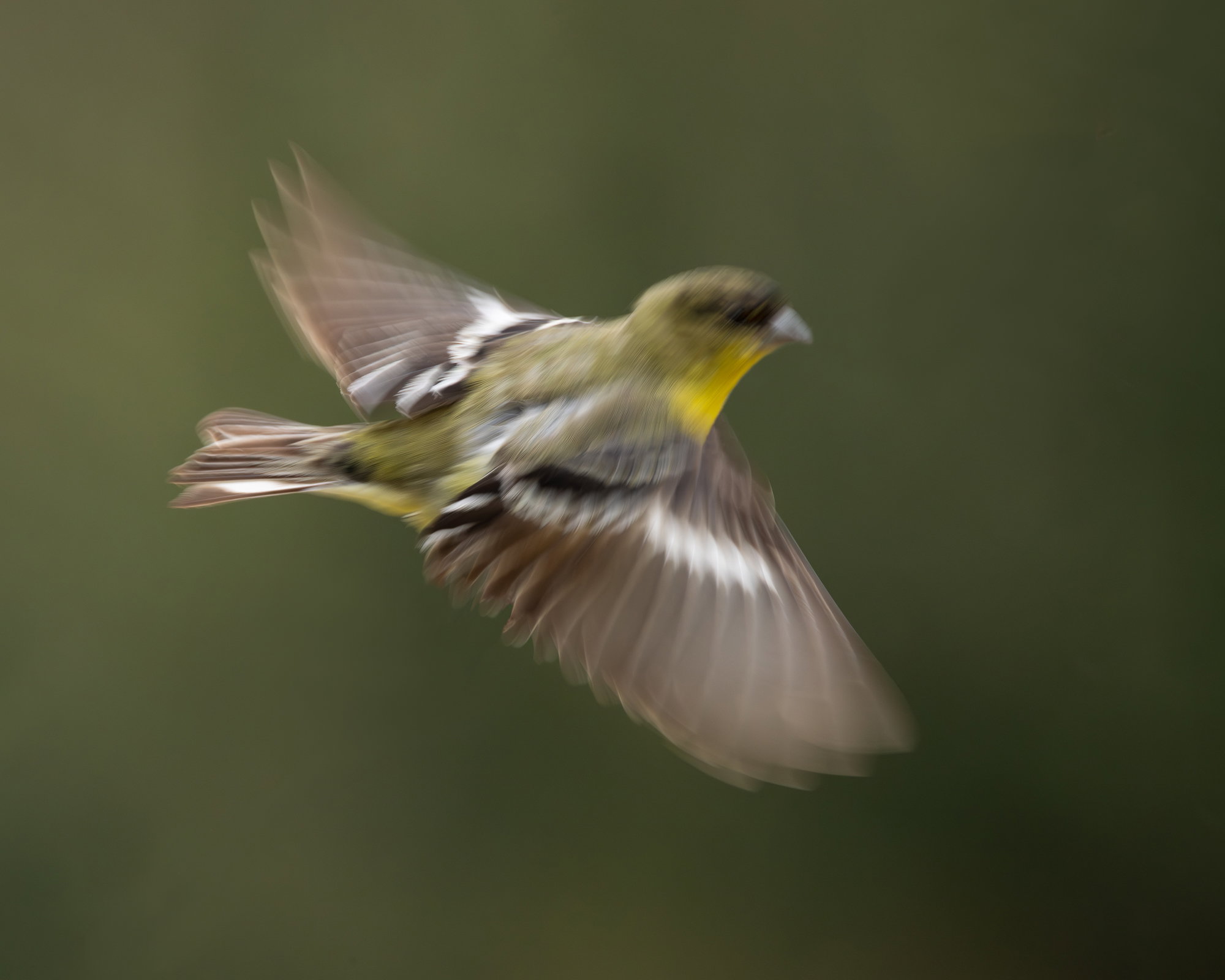
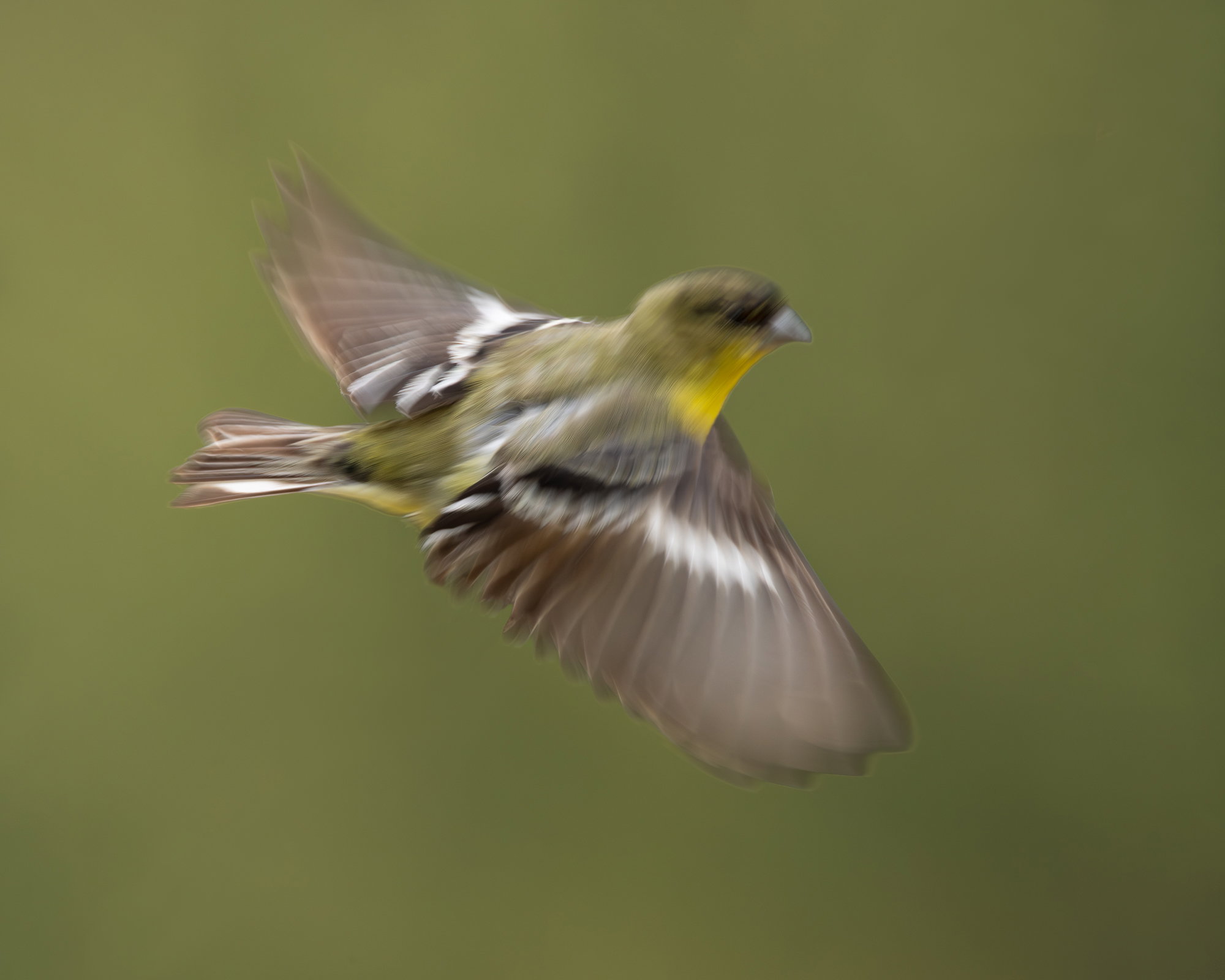
What changed: Added a little more detail to the BG without causing too much obvious damage to the OOF edges. But now I see two lighter areas at the top – visualize them gone.
Added after receiving feedback from the community.
The photographer is looking for thoughtful feedback on the image as a whole, especially around the areas noted below.
Feedback Focus: Artistic / Expressive
About This Image
I was hoping to shoot this guy ( a Lesser Goldfinch) when he decided otherwise. I rather liked the result.
Feedback Requested
All comments welcome!
Technical Details
Camera: Canon EOS R5
Lens: RF100-500mm F4.5-7.1 L IS USM + EXTENDER RF1.4x
Focal length: 700mm
Shutter speed: 1/250s
Aperture: f/13
ISO: 3200
Processing software: LR and PS
Major adjustments: Very minor global tonal tweaks and denoised in LR. Into PS to crop bottom and left and added a small amount to the top. Removed the twig from which he had just launched.
Blending/stacking:
Other notes:
I thought the same thing, “Fun!” What is most fun and appealing to me are both the wings.. almost like a flutter in slow motion (which makes no sense..)
Next time, try and get the head sharp with a nice catch light with the wings just like this! Next time. ha ha
Thanks, @Dennis_Plank and @Lon_Overacker ! I was able to select the BG with a lot of trouble with Color Range and lightened it but it was quite blah, with even less tonal range than the original (which I didn’t mess with). So I decided to add a little something to it – which dug me deeper in the morass of layers and modes and masks. Thankfully I was rescued by Happy Hour before it got any stranger. But it was fun!
Oh, and I probably have a sharp head at a very similar angle just before he flew…
I think I like the uniform background best. I futzed with it this morning for awhile but didn’t come up with anything that really felt like an improvement.
I messed with it just a bit more – even a just-for-fun image can be a learning experience. I lowered the contrast (and thus saturation) of the BG and tried to keep about the same darkness as the actual BG. I think the subtle added detail is an improvement and was achieved without too many artifacts. Posted above.
Thanks, @Dennis_Plank ! I have a folder of OOF tree branches and could spend some time dropping different ones in this assemblage – but there are better things to do just now.