The photographer is looking for generalized feedback about the aesthetic and technical qualities of their image.
Description
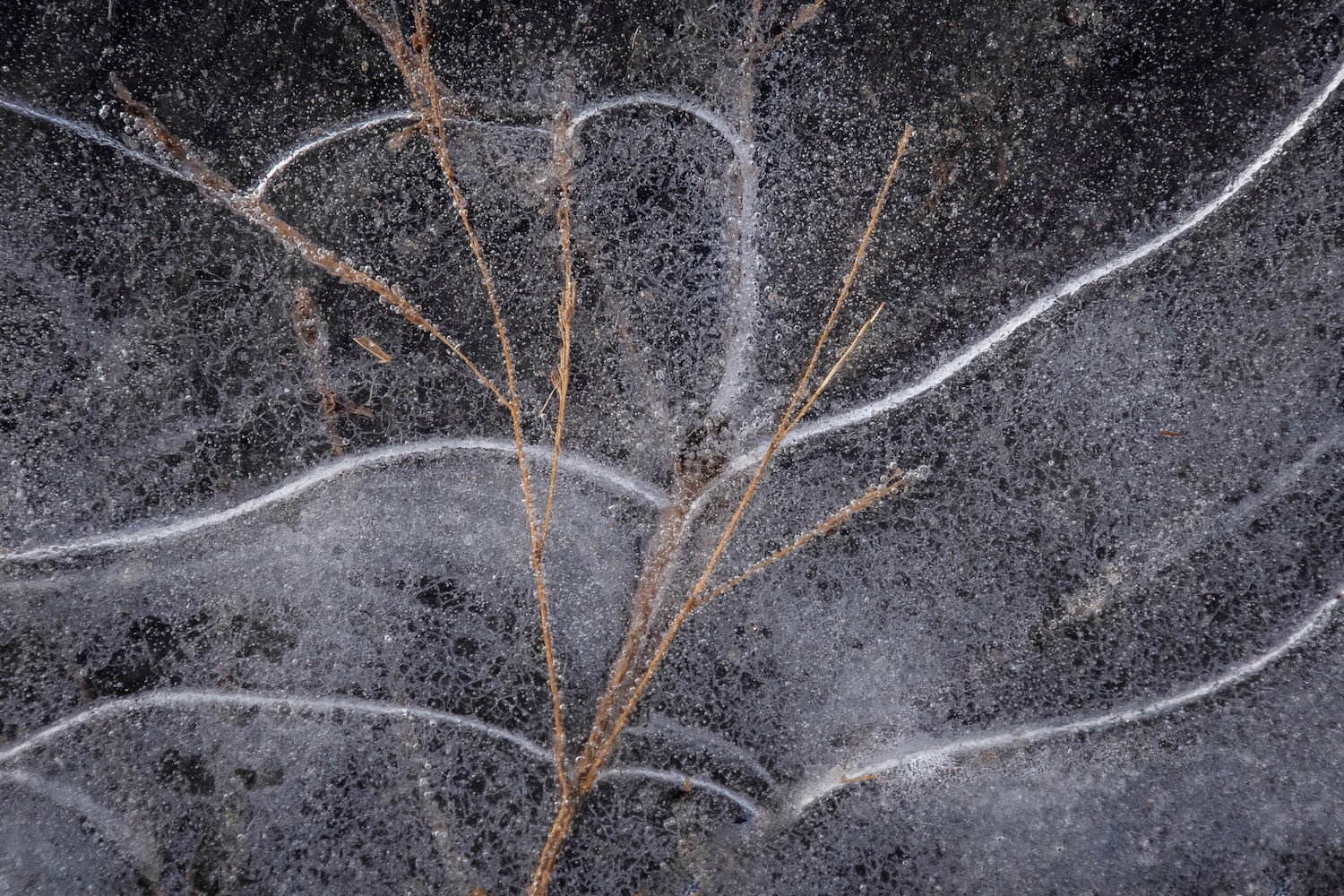
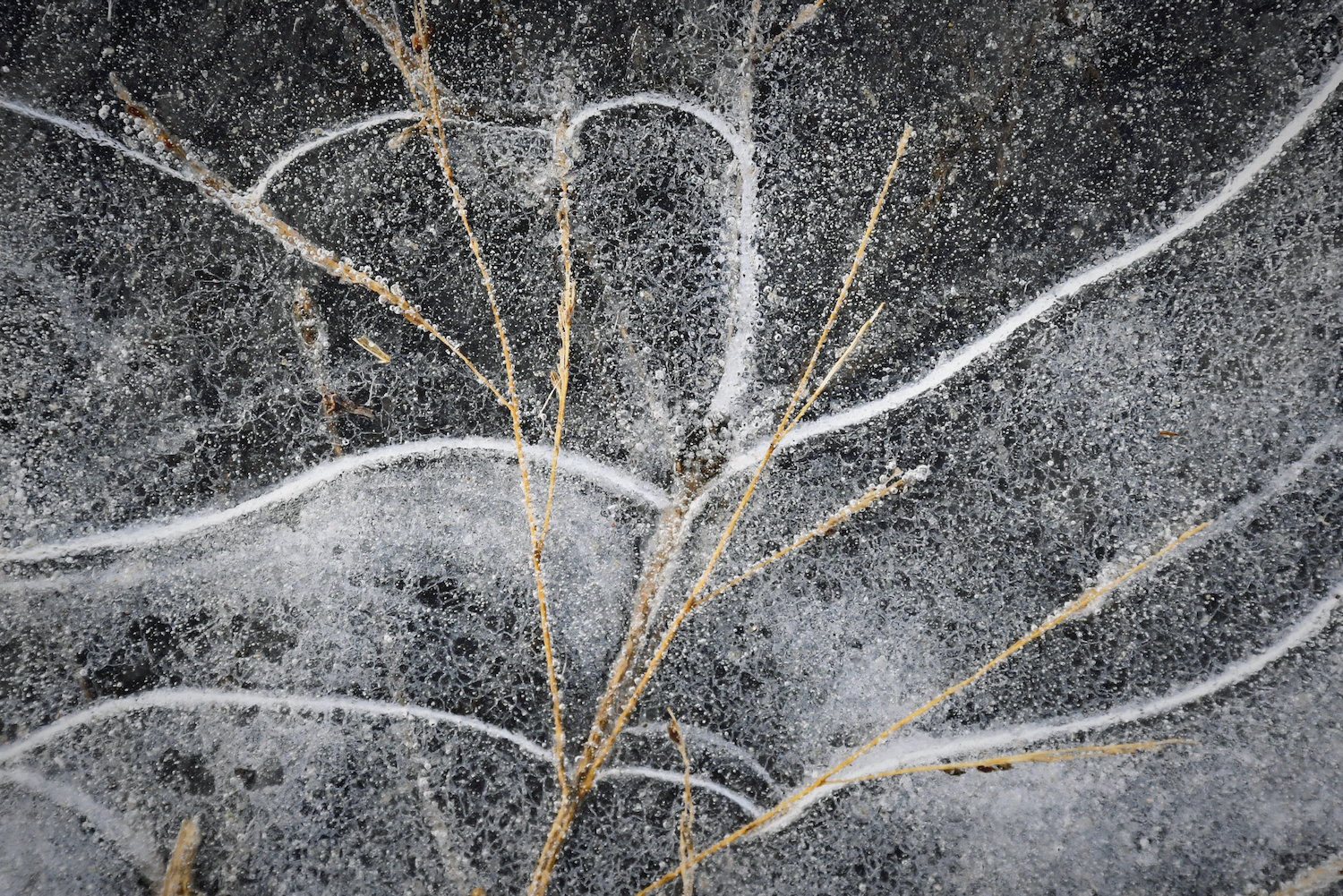
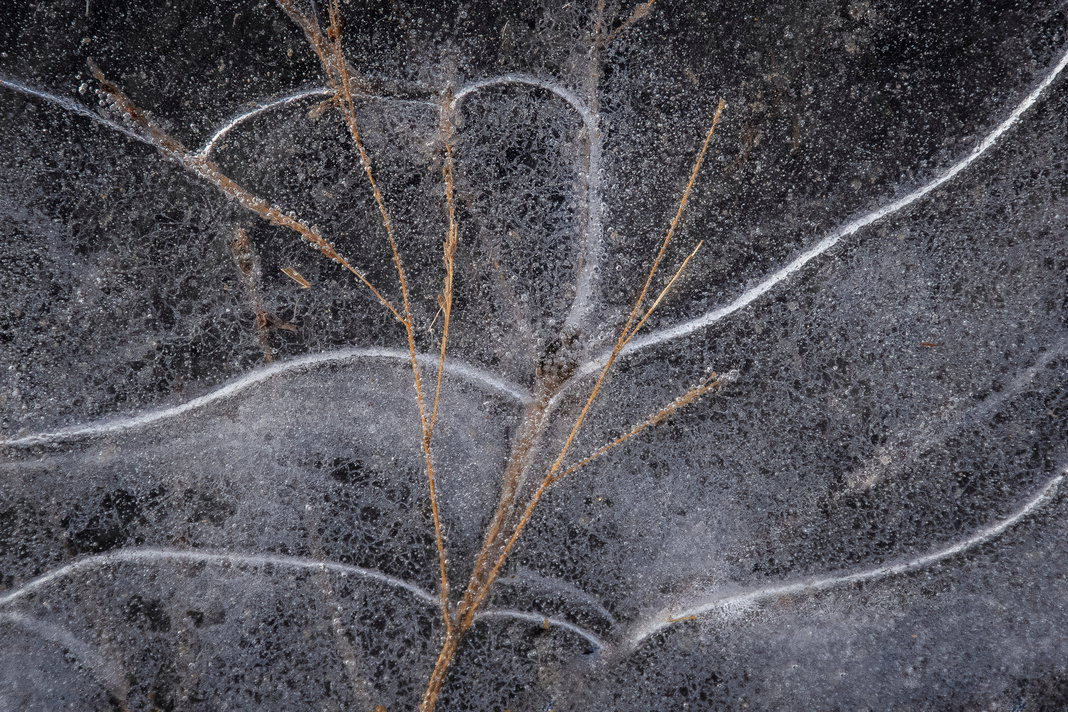
This was an iced over puddle in a cornfield. I was inspired by the power of freezing to quickly immobilize a thing that might have earlier been blowing across the land–in this case a bit of grass.
Specific Feedback
Would you suggest other edits? Cropping? Change of angle?
Technical Details
Camera: Nikon D7500. Lens: NIKKOR 18.0-300.0 mm ƒ3.5-6.3.
ISO 1600, 440 mm, f/13, 1/320s
Light editing to increase contrast, Apple Photos. I have yet to really learn Ps, Lr, and other editing tools.
Critique Template
Use of the template is optional, but it can help spark ideas.
Vision and Purpose:
Conceptual:
Emotional Impact and Mood:
Composition:
Balance and Visual Weight:
Depth and Dimension:
Color:
Lighting:
Processing:
Technical:
I like this a lot, Elizabeth. The way the grass and the lines in the ice underneath work together is very nice as are the textures in the ice itself. If you don’t object to a little cleanup, there are a few stray bits of chaff and grass stems that don’t flow with the rest of the image and wouldn’t be very difficult to remove if you have PS or a similar program.
Elizabeth, I missed your earlier posts and just now had a look at them. I’ll just comment there to say welcome to NPN! You have a great eye for fascinating images. Since you are only using Photos, I assume you are shooting in JPEG. I can’t urge you strongly enough to shoot in raw, for the extra tonal control, and to learn one of the good raw processing tools. Lightroom combined with Photoshop is the top end choice and what most people here are using, but there are others.
You can find a lot of confusing (and unnecessary) information about processing but I find that Lightroom and Photoshop offer a simple and basic approach, and give tremendous capability for organizing images. For processing, I rarely use any tools other than global adjustments to tonalities and color in raw conversion, along with denoise capability, in Lightroom, and (if needed) going to Photoshop for localized adjustments with a painted-on quick mask selection and then curves. And of course, cloning, with wonderful control. The use of adjustment layers in PS is powerful and flexible.
NPN is a great place to begin the next steps of your journey!
Elizabeth, I like the way you see. I too welcome you to NPN and look forward to seeing more of your images. I think Dennis’s and Diane’s comments cover the image well. Since you go for intimate landscapes, you might enjoy looking at Charlotte Gibbs’s images. Nice image.
I like this a lot. This is exactly the sort of thing I like to shoot. I don’t think you need to change anything about the crop or orientation; they are great. I love the way the ice radiates from the stock of the plant. A little more contrast (or a dehaze adjustment) might give more structure to the ice. And perhaps a luminance boost to the yellows might help to “pop” the plant out just a bit more. But a fantastic find. Well done.
Thank you so much, Diane! I have Lightroom and Photoshop but I have yet to really learn to use them. This inspires me to spend some time and get to know these tools. I’ve just started shooting in raw, so that’s a good first step, right?
Thank you, Todd! I’m glad to be here, and these are just the kind of specific suggestions that will help me move forward. Yes, more contrast, more luminance. I’ll try these. Thanks again.
Shooting in raw is absolutely the first step!! You can shoot in raw + JPEG for a while to let you see how much more tonal control you have in Lightroom (or any raw converter). Then drop JPEG when you are confident you can do better. JPEG will do some good denoise, but so will LR. The big difference is what you can do with the shadows and highlights sliders in LR, compared to what the camera’s JPEGs will do. In LR, for simplicity at first, I suggest letting it organize shoots by date, and you can add more detail in the name of the folder. And then you can move folders around in a bigger structure. A file that goes to PS should some back to the same parent folder so the raw file is next to it. There will be times you want to go back to the raw file and rework it, as you learn and as the software capabilities change.
I am late to the party, as usual, but I just wanted to chime in and welcome you to NPN as well as to say that this is a lovely image. Aside from cloning the bits mentioned above, I would not change anything.
Elizabeth, I like this a lot as presented. You’ve found an interesting set of lines and shapes created by both the grass and the ice. The only thing I would suggest is cloning out the two bit of grass/corn that come in from the bottom to the right of center. Yes, shooting in RAW will give you a lot more processing capability as well as extending the dynamic range. Many NPNers use Lightroom and/or Photoshop, however there are other options. Once upon a time it was suggested the Capture One was better for Nikon users since it was developed by folks shooting Nikons, while Photoshop was developed using Canon cameras. Not sure that matters now (nearly 20 years later). There are other good photo processing software options also.
Excellent! You can post edits for better visibility and comparison by adding them to the original post – the pencil icon in the lower right corner gives you an edit screen.
Elizabeth, when you post a 2nd version, it’s easiest for folks to compare if you add it to the original and indicate that in the title. To do that, open your original post and click on the pencil (edit) icon. Then you can use the upload icon to insert the new version. It’s best to also title both the old and new versions. This lets folks click back and forth between the versions.