The photographer is looking for generalized feedback about the aesthetic and technical qualities of their image.
Description
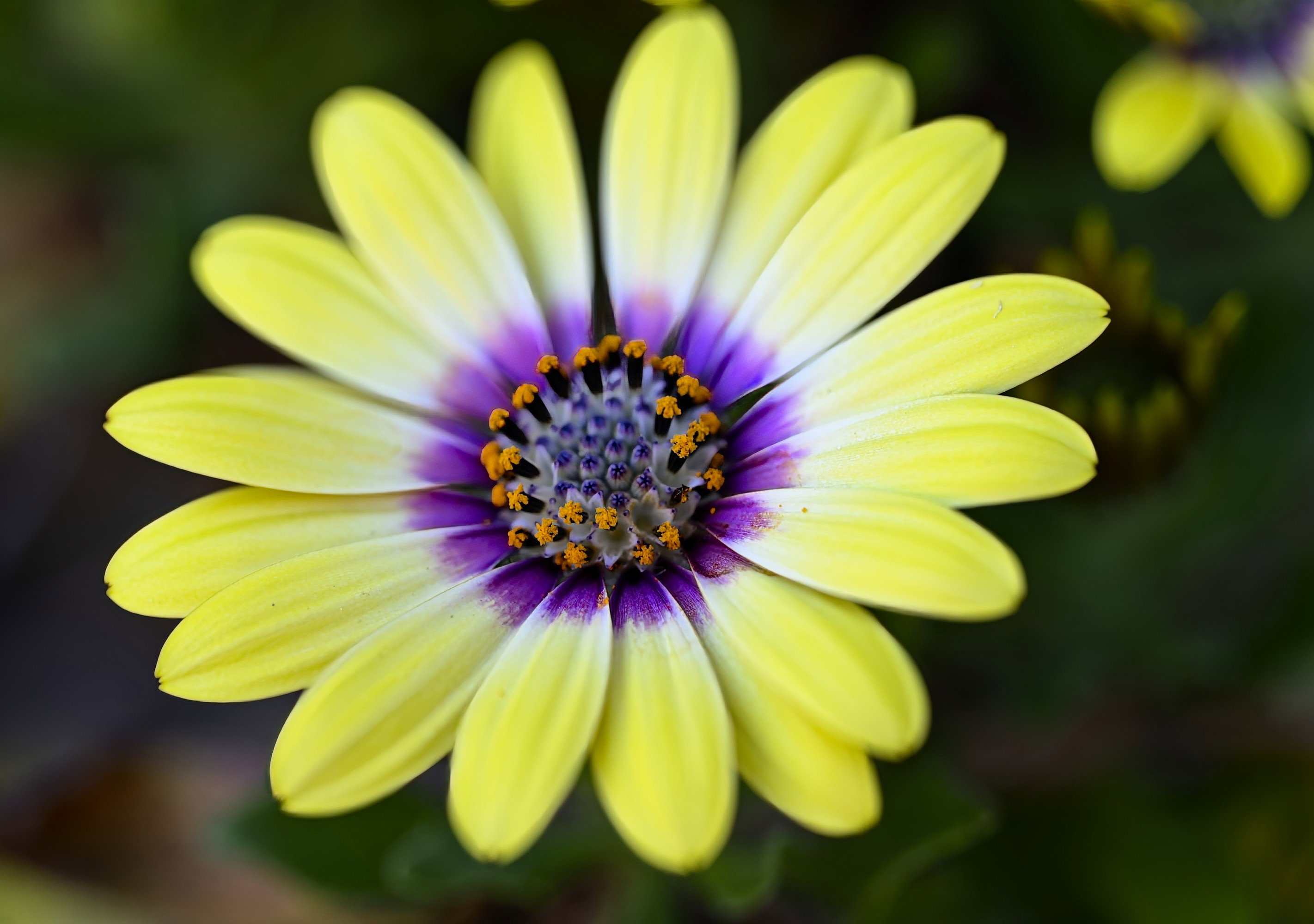
This photo is my first attempt using the Pixel Shift feature of my camera. These daisies pop up every spring and I enjoy phototgraphing them with a macro lens, specifically because of the colors. I was trying the make the dark orange and purple part of the flower “pop.”
Specific Feedback
Macro photography is certainly a genre where I have room for improvement. I was trying the get the interior center portion of the flower in focus and used a smaller aperture (f6.3), hoping that would help a bit with the sharpness. The softness of the yellow petals make the photo look a bit dreamy, I think.
Technical Details
Nikon Z6 III
Nikkor Z MC 105 f2.8 VR S
SS 1/80
f6.3
ISO 500
Tripod
16 photos taken for the pixel shift, merged in Affinity Photo 2 and edited in On1 Photo Raw.
I tend to like sharp focus throughout, but in this shot, I really like how you’ve done it! I need to explore the pixel shift feature. I know my Z8 has it, but have yet to experiment. You simple can’t get more compelling than yellow and purple! You’ve picked the perfect subject for a shot like this. I believe that complementary colors create a composition in and of themselves, so, well done!
I like this, Richard. The shallow depth of field really works well for this composition. The only thing I’d do differently would have been to gently bend the flower that shows the two petal tips entering the top of the frame so they weren’t showing, but that’s a pretty minor nit.
It’s a funny term for focus bracketing, but it’s basically the same and gets some nice results once you’ve figured it out. This stack has almost as thin a DOF as a single shot, but a little more. The colors are really terrific together - so vibrant and alive. The interior that you missed can be captured in different ways, here are to that might work depending on how your camera does things -
Start in front of the center of the flower (or whatever your desired focus point) and work backwards to the second focus point where the bracketing will end (final shot). Take more photos than you need - dozens. The aperture you choose should work with the step distance you set for how far apart the focus points are. If you use f8, you can have a larger step, if you use 2.8 a smaller one so more photos will be needed. You will get a nice OOF background that you can use in the retouching process in your stacking software.
Another way is if your camera will take subsequent photos in front and then behind your beginning focus point, that will assure that you get the center crisp. You’ll probably need a lot of shots here, too, but since you’re really blanketing the center it will probably work.