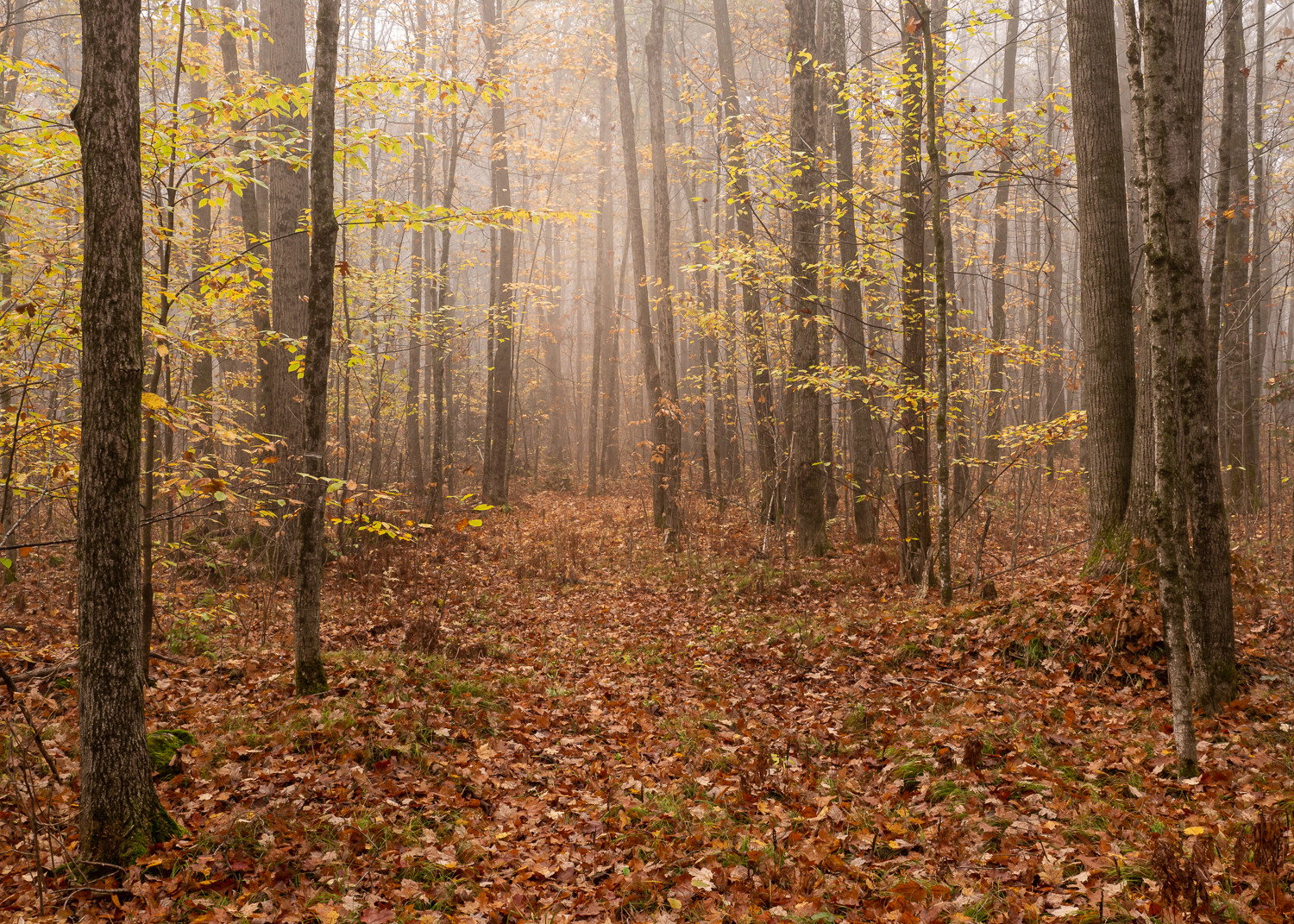
This is the forest track where I found the old tractor earlier this month. While many of the deciduous trees had already dropped their leaves, a few remained here to make this interesting. I wish there was something a little more substantial in the foreground, but without dragging branches all over, this is what I had.
Am still getting the hang of the new masking tools in Lightroom so I did all the processing with those. No distraction removal or other things only Photoshop can do, and I think it came out fairly well. I didn’t do anything super fancy with the masks - basically just used them as I would have before, but I’m open to suggestions.
Specific Feedback Requested
Ideas, impressions and suggestions are welcome.
Technical Details
Is this a composite: No
Tripod
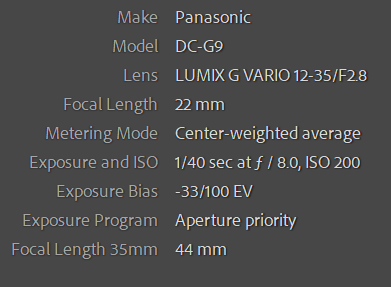
New info in the Default Metadata section organized here -
Entirely done in Lr - a crop to 5:7, a little warming of the wb, lens correction, several gradient filters, a radial filter and some brush work to manage tones and lead you through the photo in a logical way. Sharpening & texture. Reduced exposure and saturation to add a little gloom.
I just use the snipping tool in Windows and then copy the image then paste it into the box here on NPN. You have to do it on the second part of posting, after you hit Continue. Lightroom v11 lets you select what bits of metadata you want in the Default view. You can sort them how you want as well so I may change out a few things so they make more sense. How is it to read for you? Clear? Or would you rather see the exposure info on 3 separate lines?
This is a lovely autumn woodland scene, Kris. I am enjoying the color palette and you did a fantastic job of spacing the trees throughout the frame. You have just enough fog for some visual interest as well as adding a little mystery. My only suggestion would be a small crop from the top to get rid of that one area of sky left of center as it does catch my eye just a little. Beautifully done!
Lovely soft light on a good scene! Makes me want to head down that leafy path.
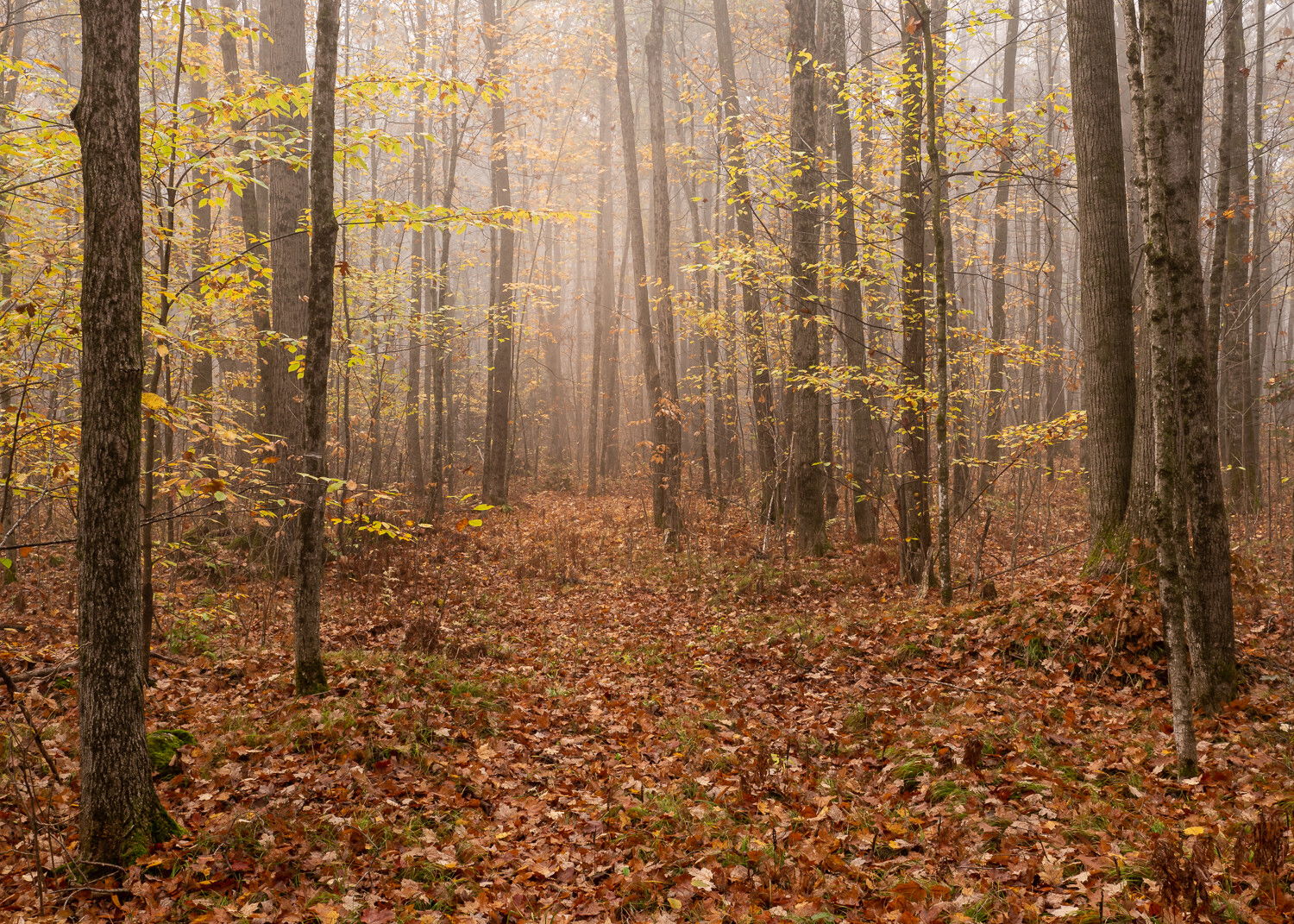
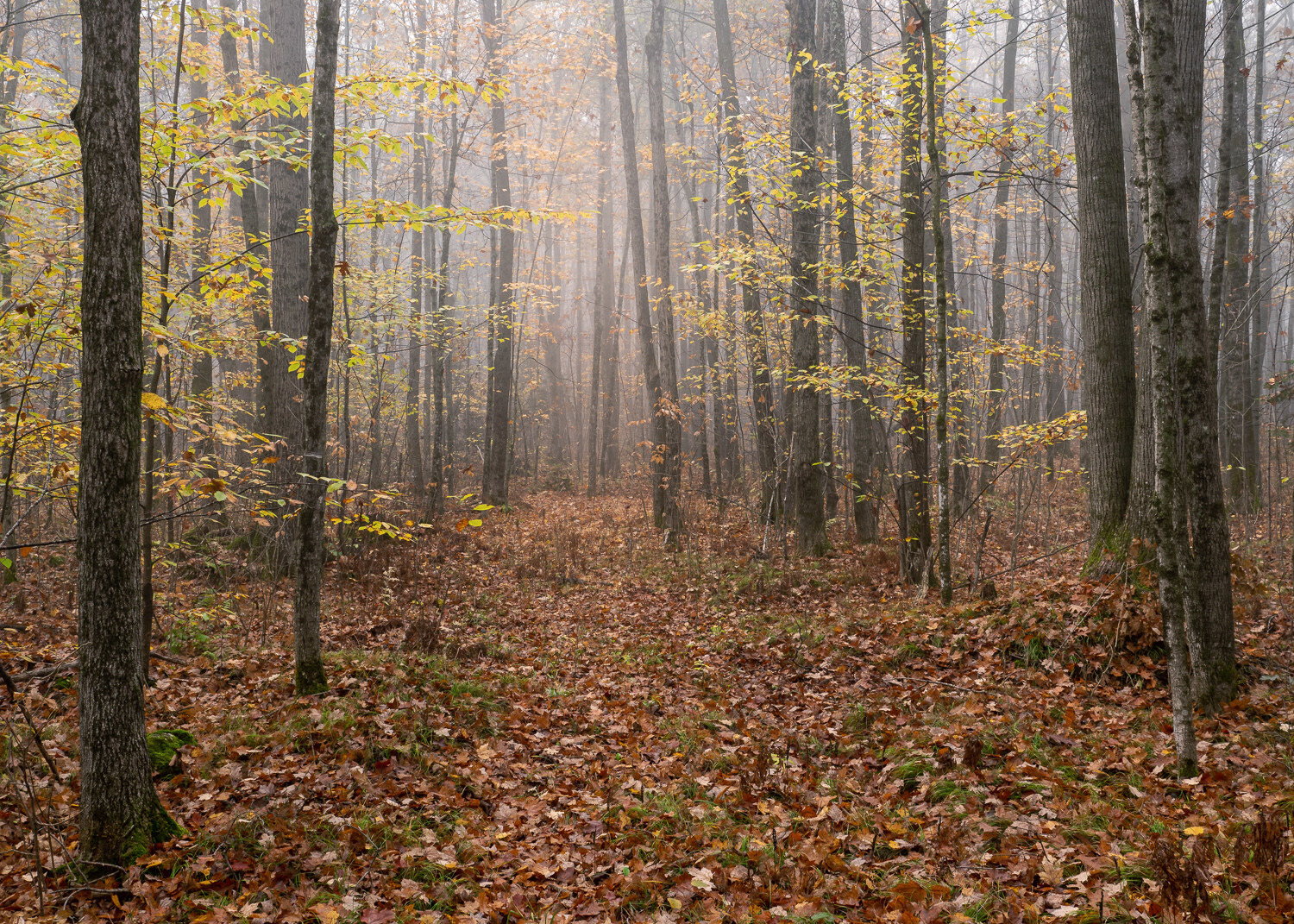
I wonder if we might have a monitor calibration difference – I’ve been struck in your recent forest scenes by the fallen leaves being more red than I would expect. But maybe that’s just the way they are there. I pulled the image and poked around with the neutral eyedropper in a Curves and got this. Not saying it should be the final version but maybe a gentler starting point for some stronger work on individual colors.
Thanks @Keith_Bauer - I do too. It’s possibly a calibration difference that @Diane_Miller is picking up on. As I recall, the leaf litter was pretty saturated in terms of color and may not have been quite as red, but it doesn’t strike me as weird looking so I’m going to leave it. I did slightly warm the white balance for this one because I felt it suited the shot. Sometimes with fog I go the other way. Whichever suits the scene best or the mood I’m trying to convey.