The photographer is looking for generalized feedback about the aesthetic and technical qualities of their image.
Description
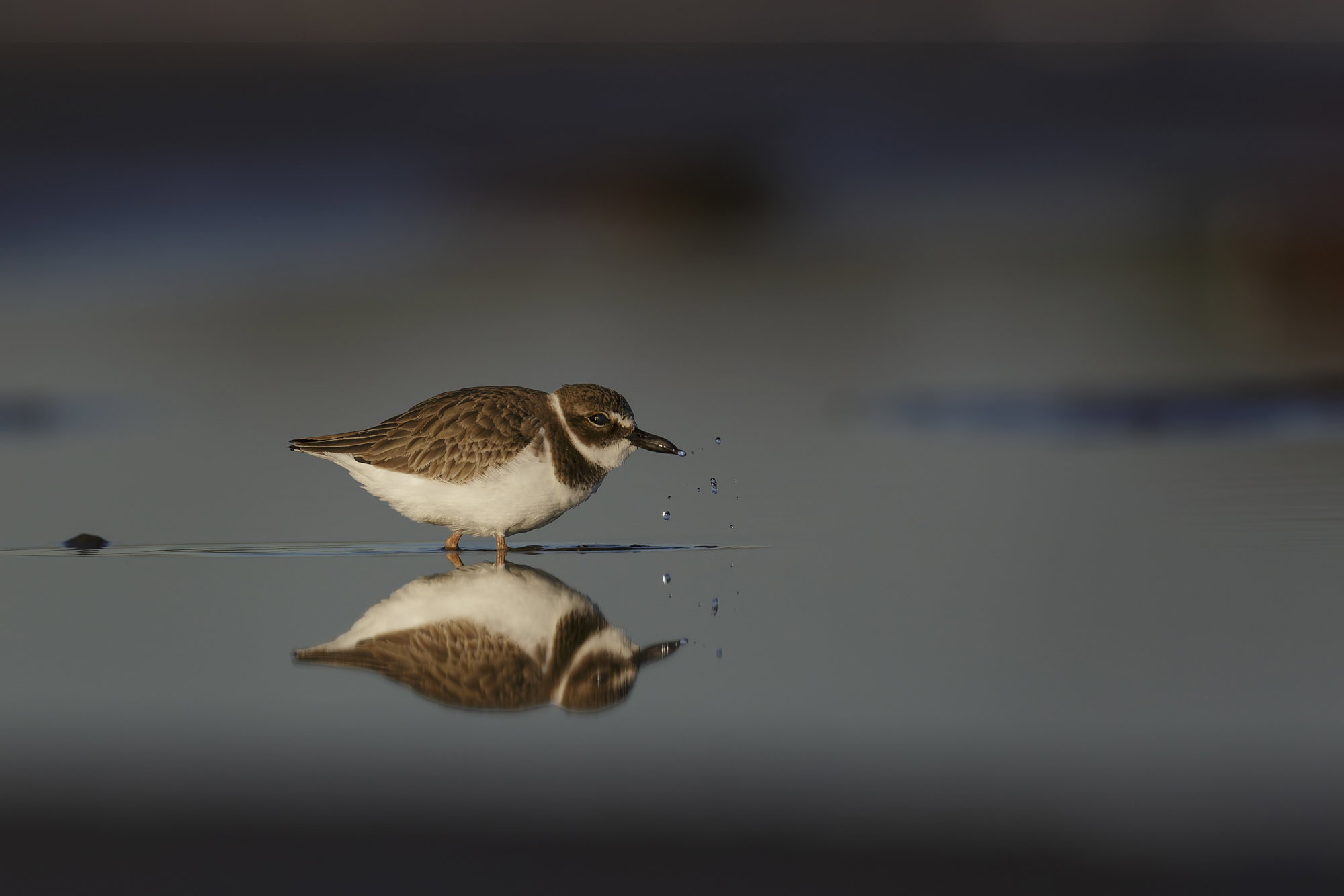
This image of a Wilson’s Plover was taken in 2016 at the Bolivar Island Flats an area managed by the Houston Audubon Society. It was taken shortly after sunrise at low tide. My typical strategy is to select a puddle of which there are many and lie down on the wet sand a reasonable distance from it and wait. Many types of birds frequent these puddles feeding on fish that get caught when the tide goes out. The area I am lying in will most likely be under water in the next hour or so after I took the photo.
Specific Feedback
I would like feedback on any aspect of this photo.
Technical Details
Canon 5D Mark III, on a tripod
600 mm Canon R4 lens with a 1.4X extender
ISO 400, 840mm, f/5.6, 1/8000 sec
The image was very lightly processed
I used DXO Pureraw5 to remove noise and sharpen the image
I lightly lightened the bird and I added contrast and brightened the light waves he created.
Wow Alexander, a wonderful mood you captured in this image. Love the subtle lighting on the bird and the outward darkness of the image. The reflection and water drops are nice as well. I think I am noticing faint haloing around the bottom most reflection of the bird. Is that in the RAW file, maybe my imagination, from processing?
Intriguing image.
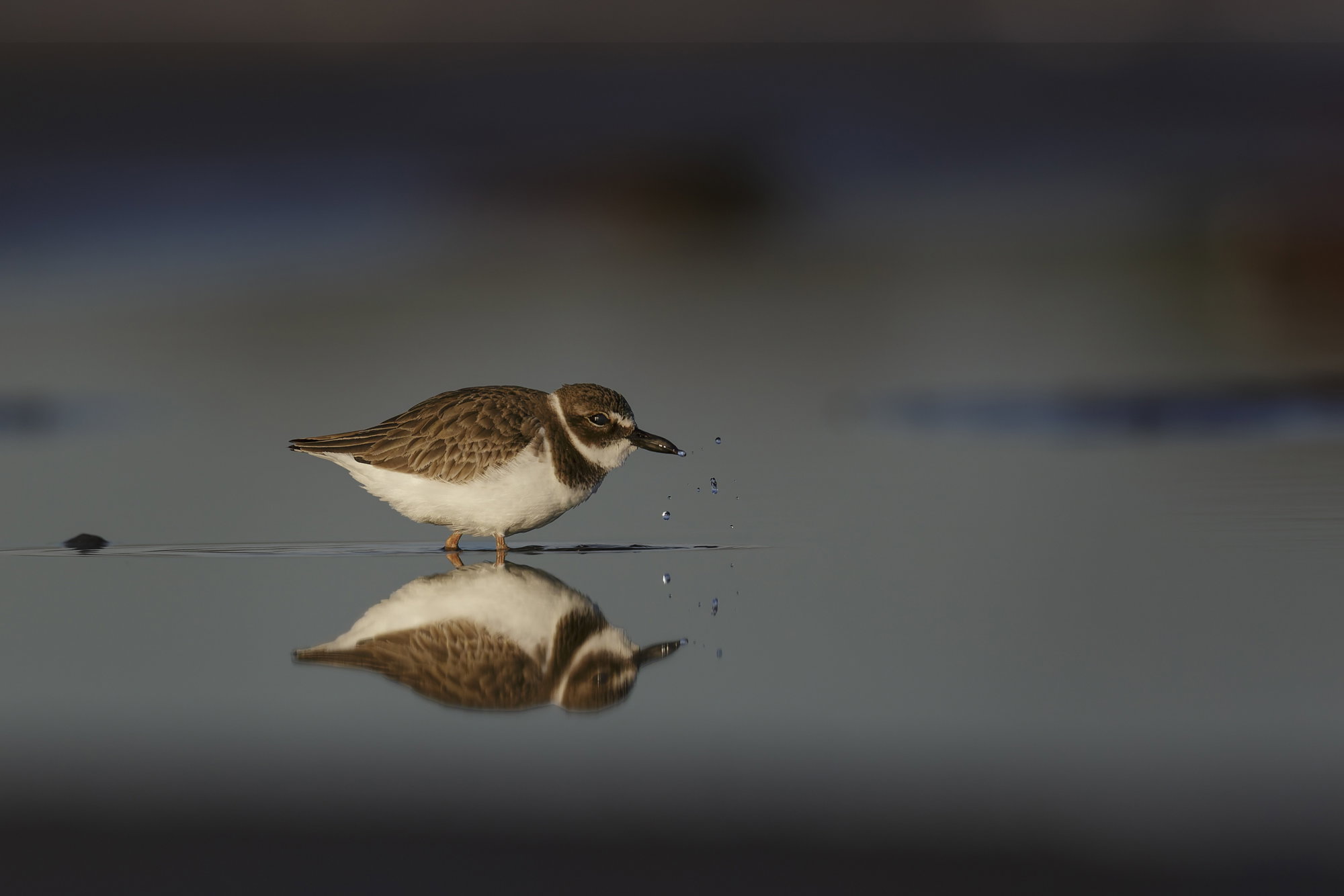
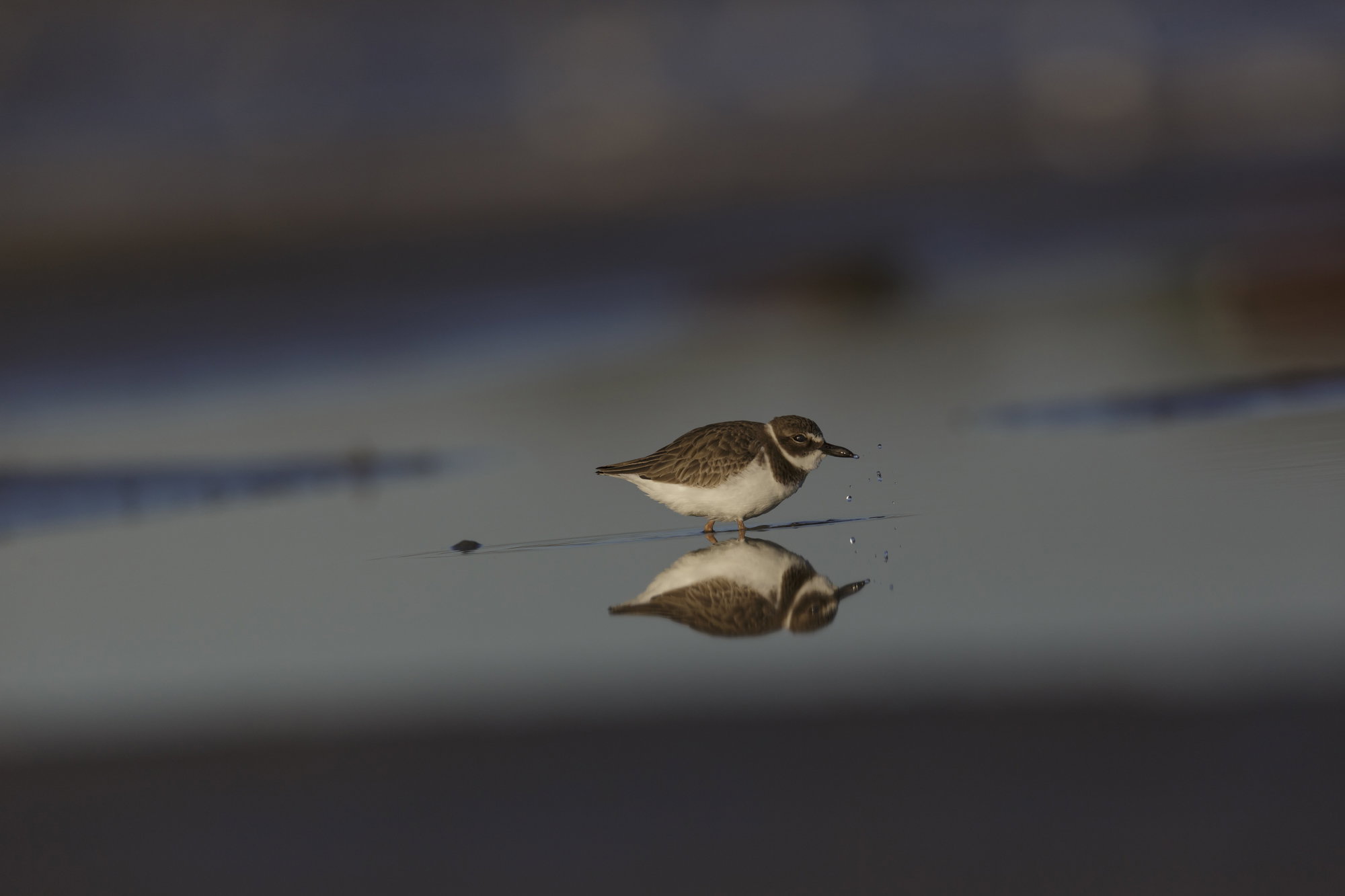
. I have attached the .jpg of the raw with no editing so you can tell me if you see it. I tried removing it by using the color and vibrance adjustment layer and the Curves adjustment layer and I wasn’t successful. I think it is a result of the lighting at the scene as I see it in some of the background structures also.
Alexander: Talk about stop action! I see what @Allen_Sparks is mentioning but I don’t think it’s haloing but rather motion blur in the water. The reflection is not tack sharp but that’s not the fault of your capture but IMO rather the movement in the water from the plover’s walking. Good effort —-> good result.>=))>
What a wonderful capture! Artifacts like this can be from the lens or the processing. I think it can be mitigated by a careful cloning of the outer border with a soft brush, to feather it.
Alexander, to my eye, the haloing or artifact seems more pronounced in the processed file than the original RAW. If mine, I would take Diane’s advice and try to clone/feather it out some.
I think it’s a nice image. I particularly like that your were able to get such a detailed reflection. How’d you do that laying down, or were you seated? Kind of reminds me of “Foot Steps in the Sand”, I think that’s the title? Kind of in the eyes of the beholder to decide what it means.
The halo does look more pronounced in the processed image, but then it’s been cropped a fair amount so it’s bigger in the frame and probably got the same processing as the rest of the reflection which may have accented it. that said, it doesn’t bother me that it’s there. It could very well be a reflection off a minor ripple. I love the low angle and the peaceful look it creates.
Thank you @Allen_Sparks , @Bill_Fach , @Diane_Miller , @GEGJr , @Dennis_Plank for your feedback! I did select the ripple and brighten it slightly in the posted version of this image. I wanted it to stand out a little more. This, of course, caused the blue color to stand out possibly a little too much. I thought about Diane’s comment and I decided to tackle it a little differently. I selected the ripple, Photoshops selection tools keep getting better, and I desaturated the selection. This is what I reposted above.
I agree with Bill (I think it was Bill) I don’t think it’s a halo but motion blur in the reflection caused by the movement of the water?
What does keep catching my eye is the ripple under the birds feet. For some reason it bothers that it appears to be going slightly up hill like a crooked horizon. It’s not a big deal and doesn’t detract from the image but it just catches my eye.
I also had the feeling that ripple wasn’t quite level, but opening the image in PS and pulling down a guide, it is dead-level. I’m not sure what is causing that optical illusion but in a case like that if I can’t find some other element to fix, I will sometimes introduce a slight tilt to make it feel right. Here, it may be the slight angle of the dark area at the bottom, or the angle of the blue areas on the right or in the top quarter. Maybe worth playing with those elements a bit.
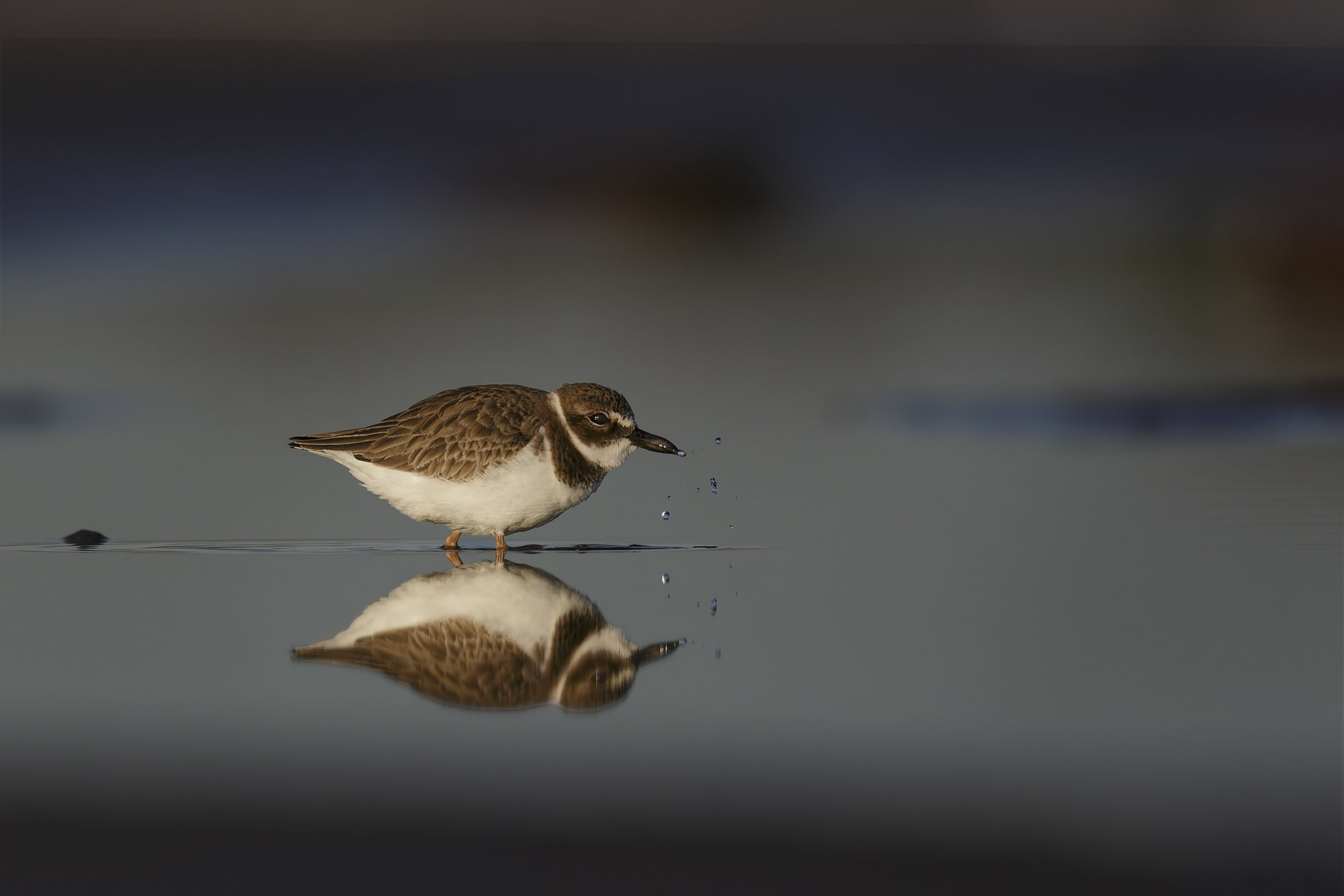
@Diane and @GEGJr thank you for sharing your thoughts. I used the ripple to level the image. Also, I examined the image more closely after George’s comment and I also thought it looked like it was going very slightly uphill.
I decided to re-check the level and to do this in Photoshop I drew the line from the center of the ripple on the left to the tip of the ripple on the right. It showed it was .4 degrees uphill. The image I added above ‘Repost 2’ is the one with that adjustment. I surprisingly ( because the adjustment was so small) it looks level to me now.
Interesting – I checked the level by pulling down a guide in PS, which should be dead-on, and thought the ripple matched it. But I tried it again and now see that when I line up the front of the ripple the more diffuse back end does fall below the line. The drops look to line up vertically in the original, too, with a guide pulled out from the left edge – but it does look more level with this last adjustment. Amazing what our eyes can perceive!
Willem, this moody view looks great, especially those drops and the overall lighting. I often pull the lay (or sit) quietly to get wildlife to approach. It’s a good method. The fringing of the reflection is due to the movement in the water. Assuming that the bird was moving at a slight angle to you, the ripple will not be level. The rules for translating a 3D view into a 2D image tell you that…
On closer look, there is vertical motion blur in the reflection, seen in the catchlight and the two white dots on the beak, and also in the flying droplets. That is causing the blur along the back. The belly isn’t as blurred due to a smaller angle and possibly a difference in the disturbance of the surface closer to the bird.
After all the analysis – still a lovely image!! I can see this little guy saying, OK, leave me alone now to go after my meal.